
Official chat @forsage_official

Instruction
Instructions Klever
How to install Klewer wallet on smartphone for Loooop
To sign up with Loooop from your smartphone, you need to install the Klever app. The wallet will belong only to you – the reward will come to it, and it will also be used for authorization on the website.
1. Go to klever.io or search the App Store or Google Play for, and download the app.
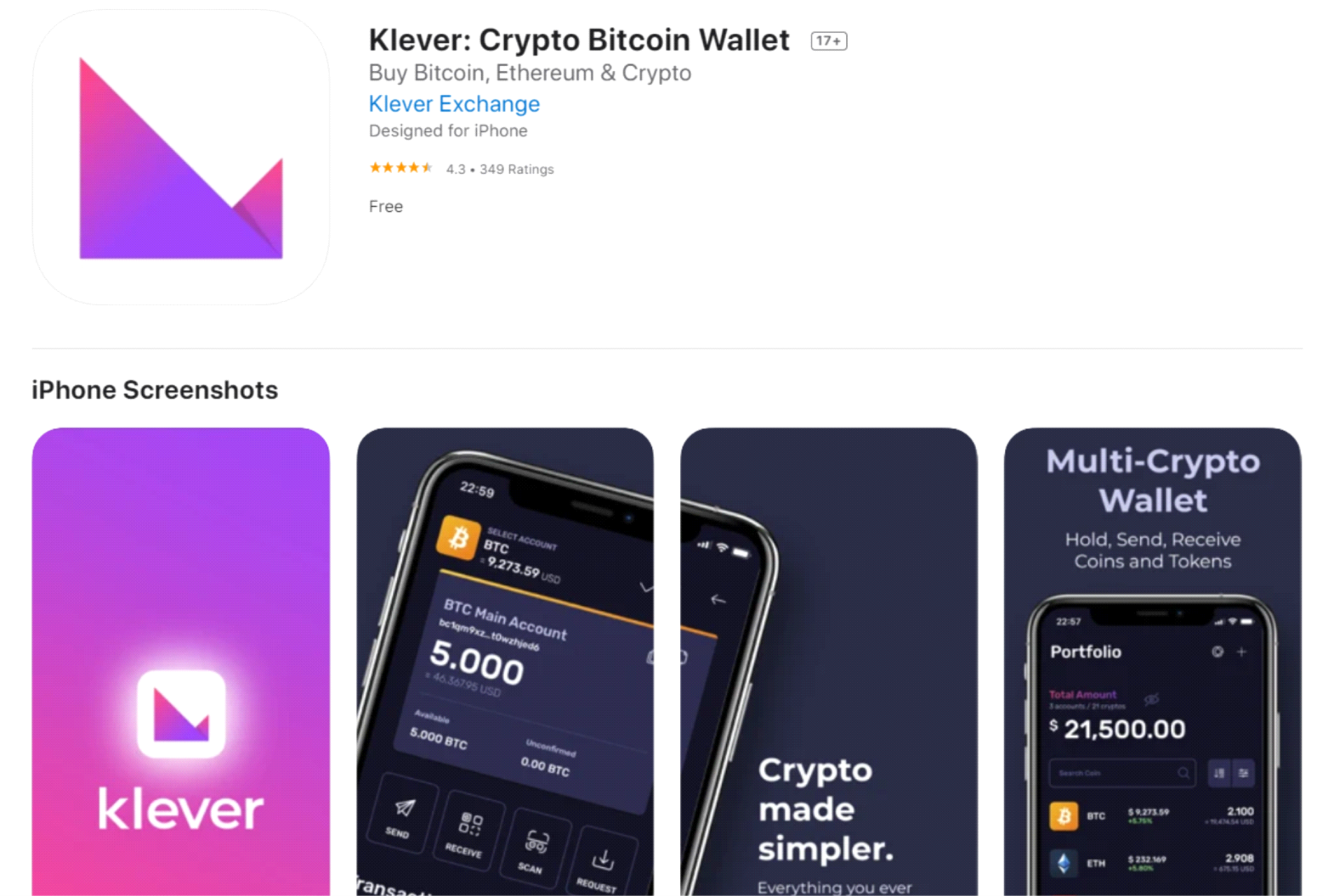
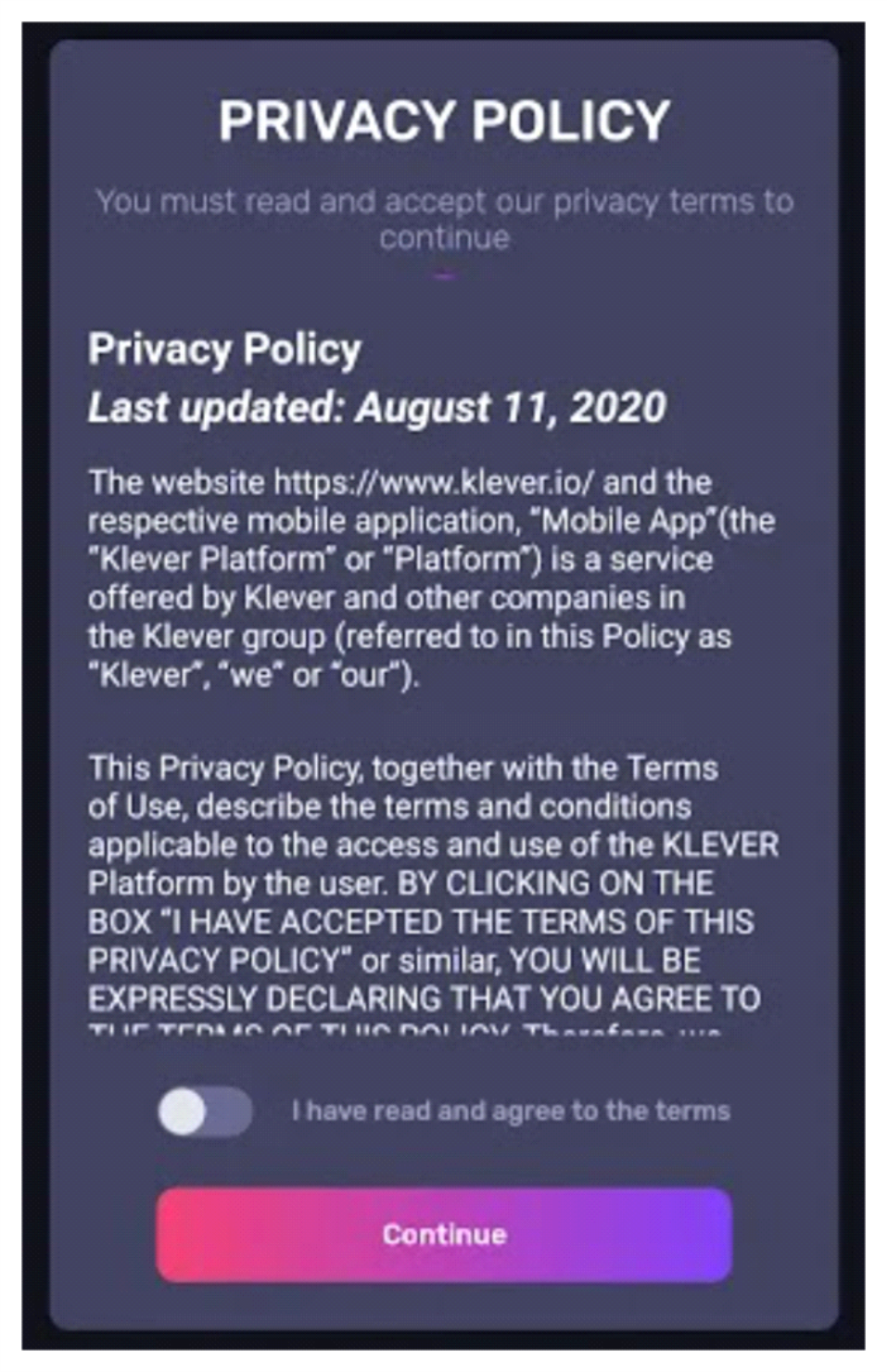
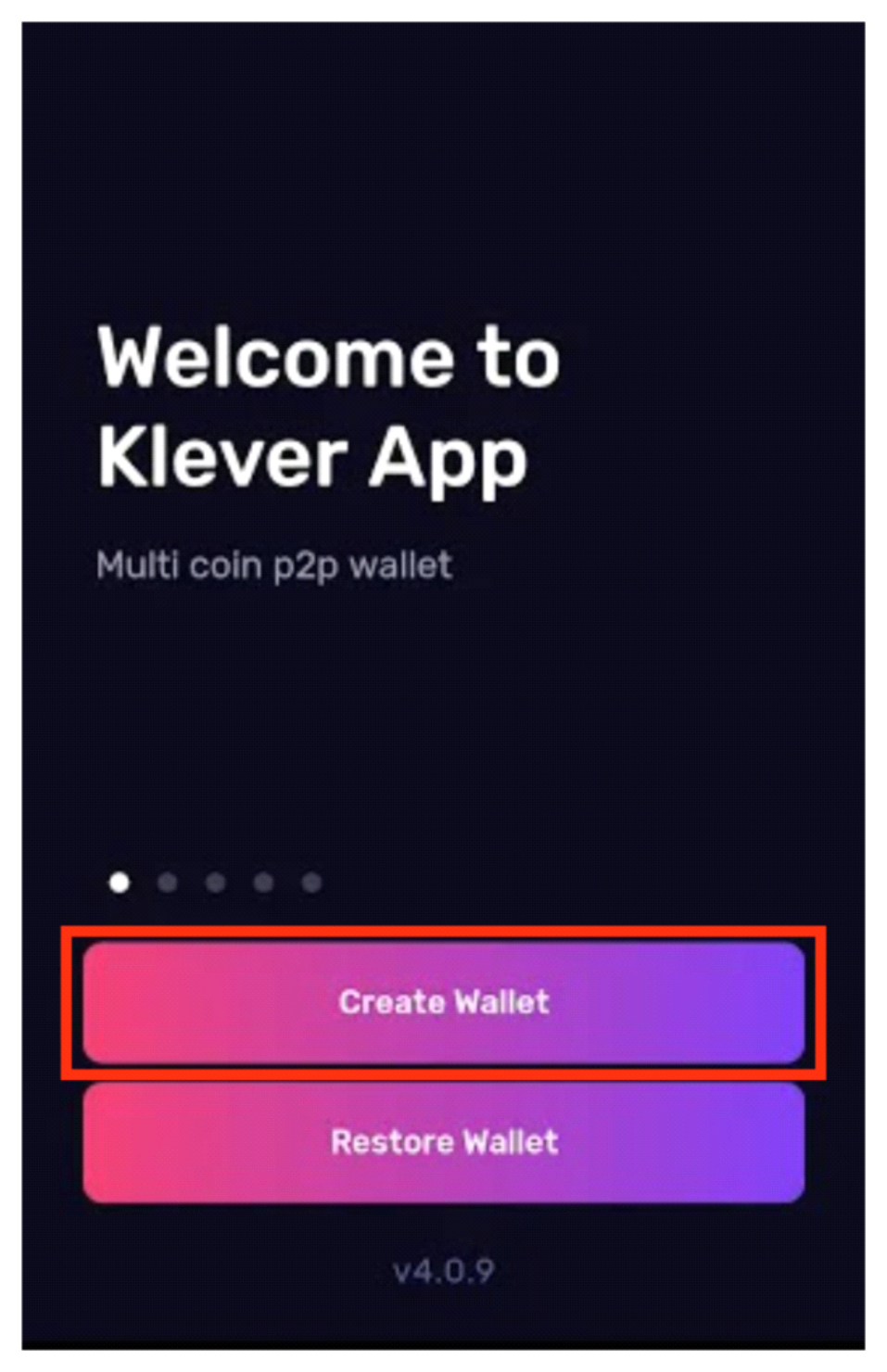
2. After installation, you will need to accept the privacy policy and selecnecessary action: Create Wallet
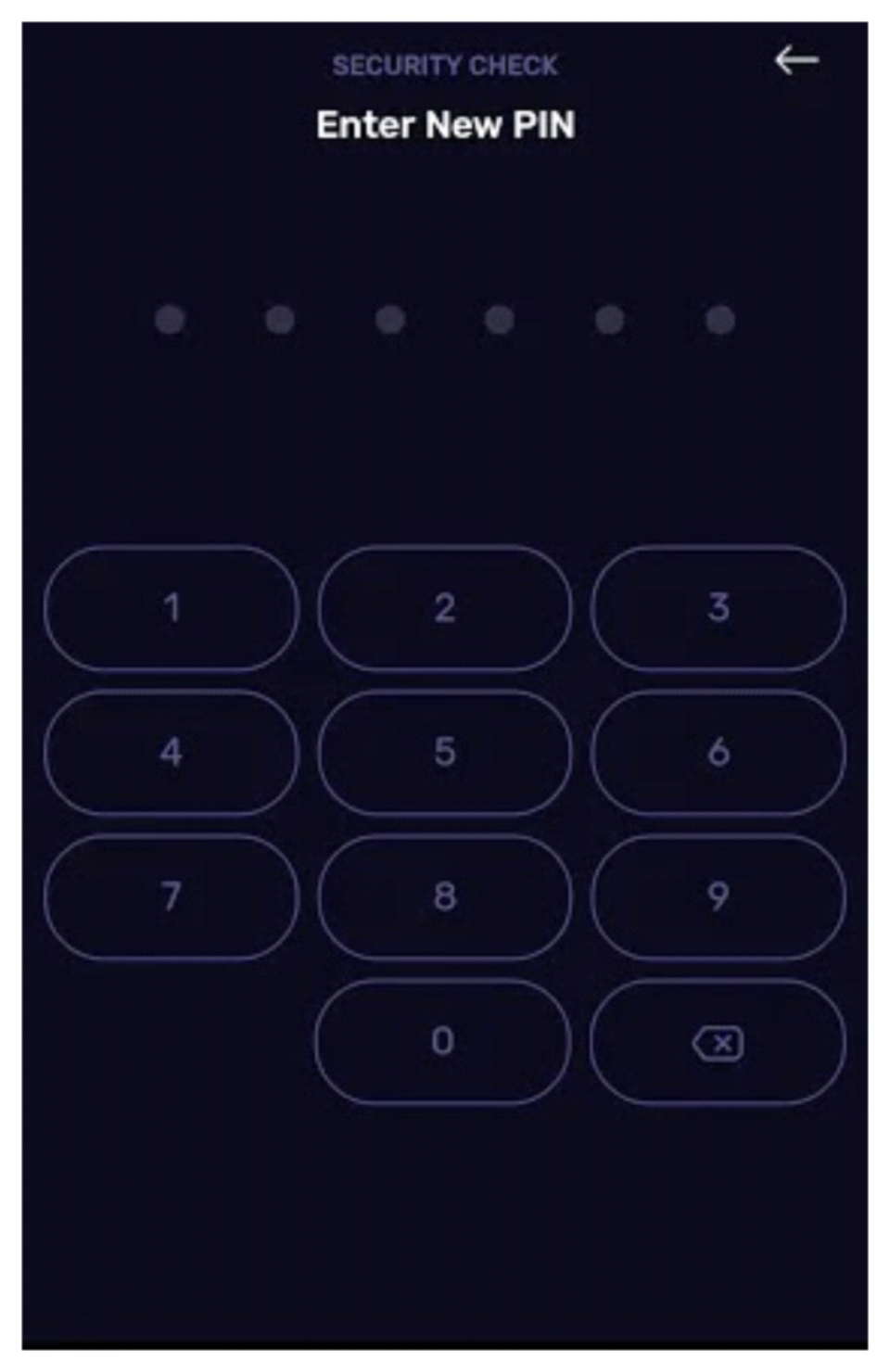
3. Enter a new six-digit pin code and repeat it again.
3. Save a private key, which will be automatically generated by the Klever. With its help you will be able to restore access to your wallet, if such a need arises.
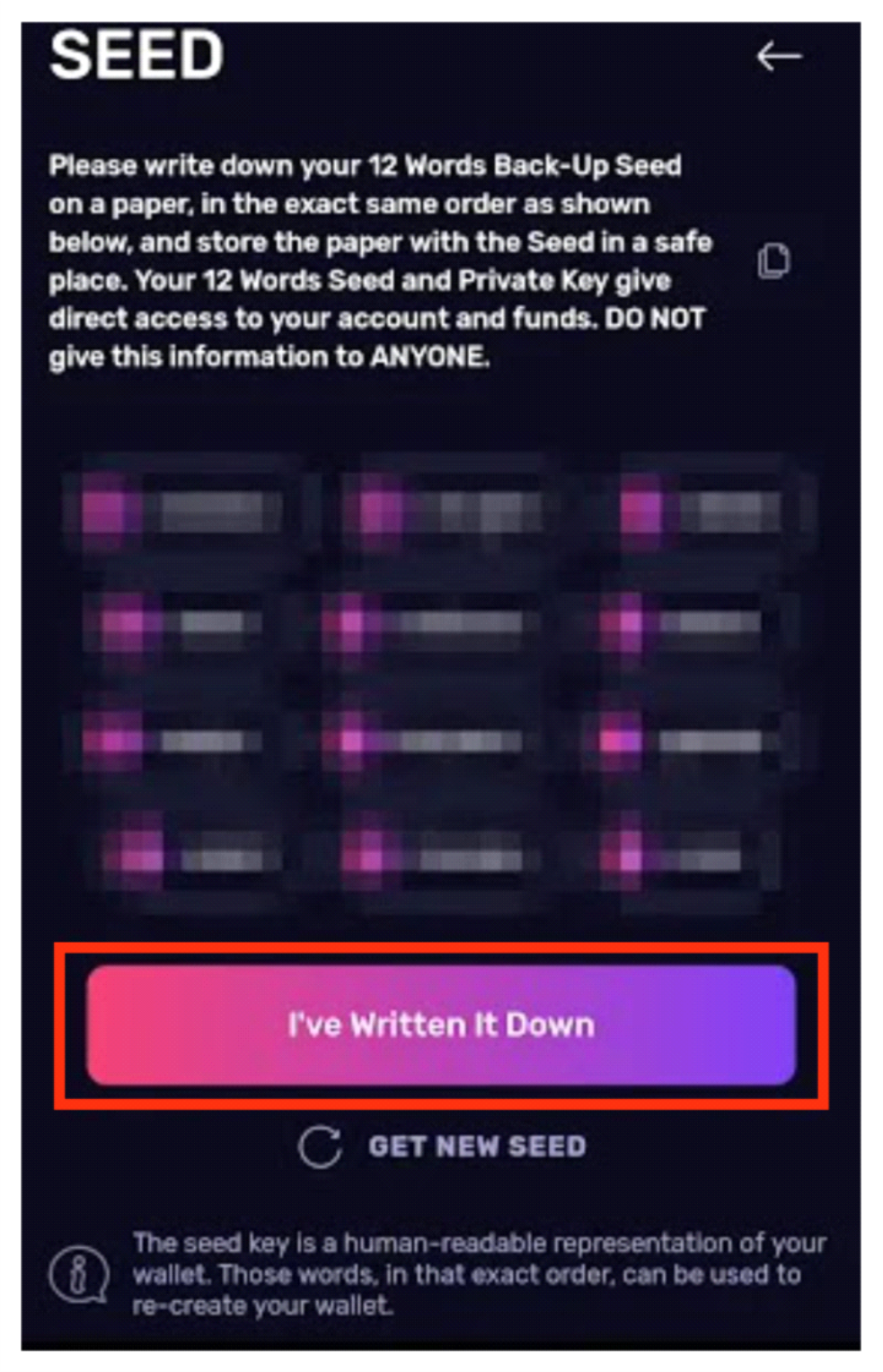
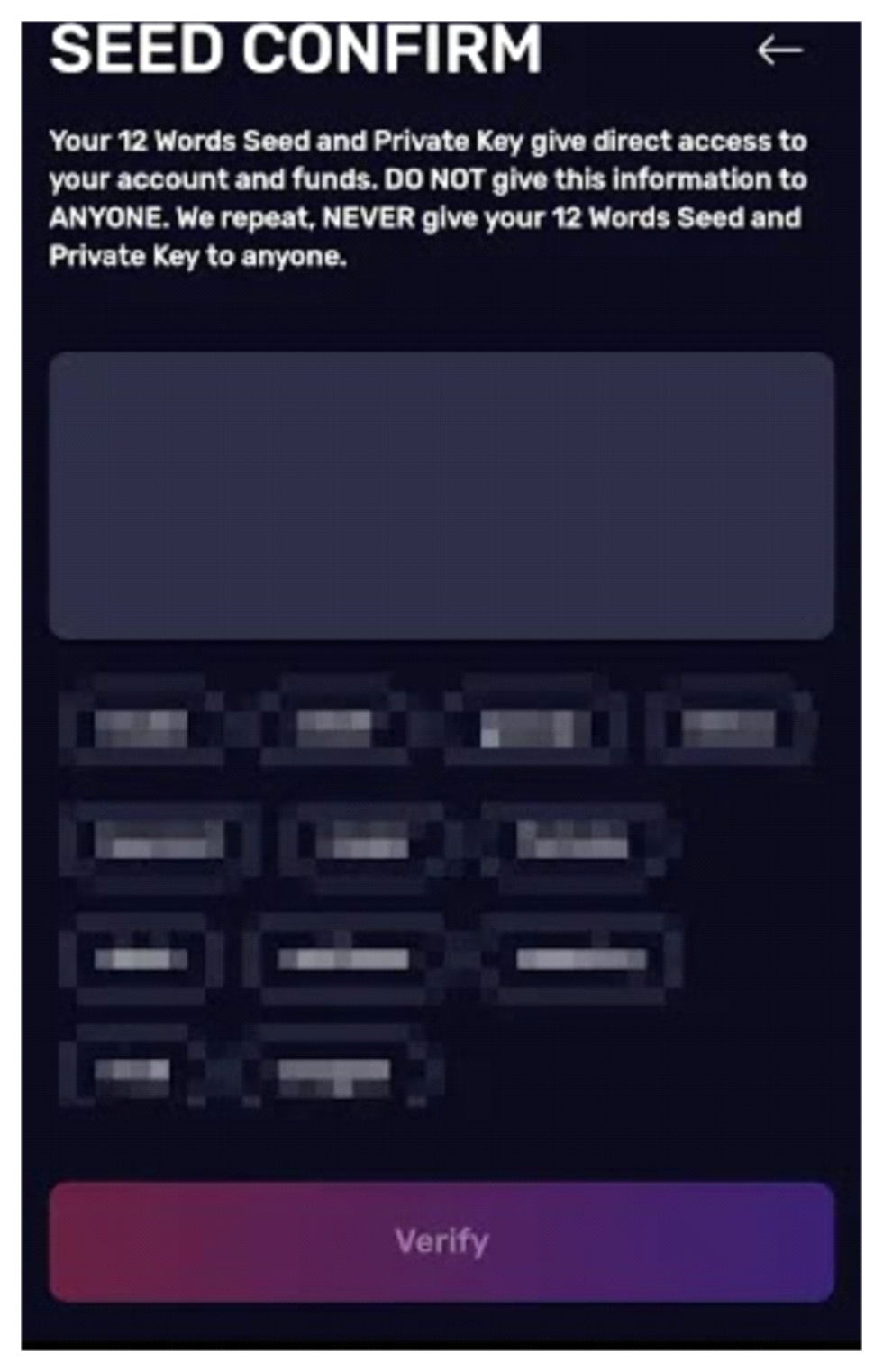
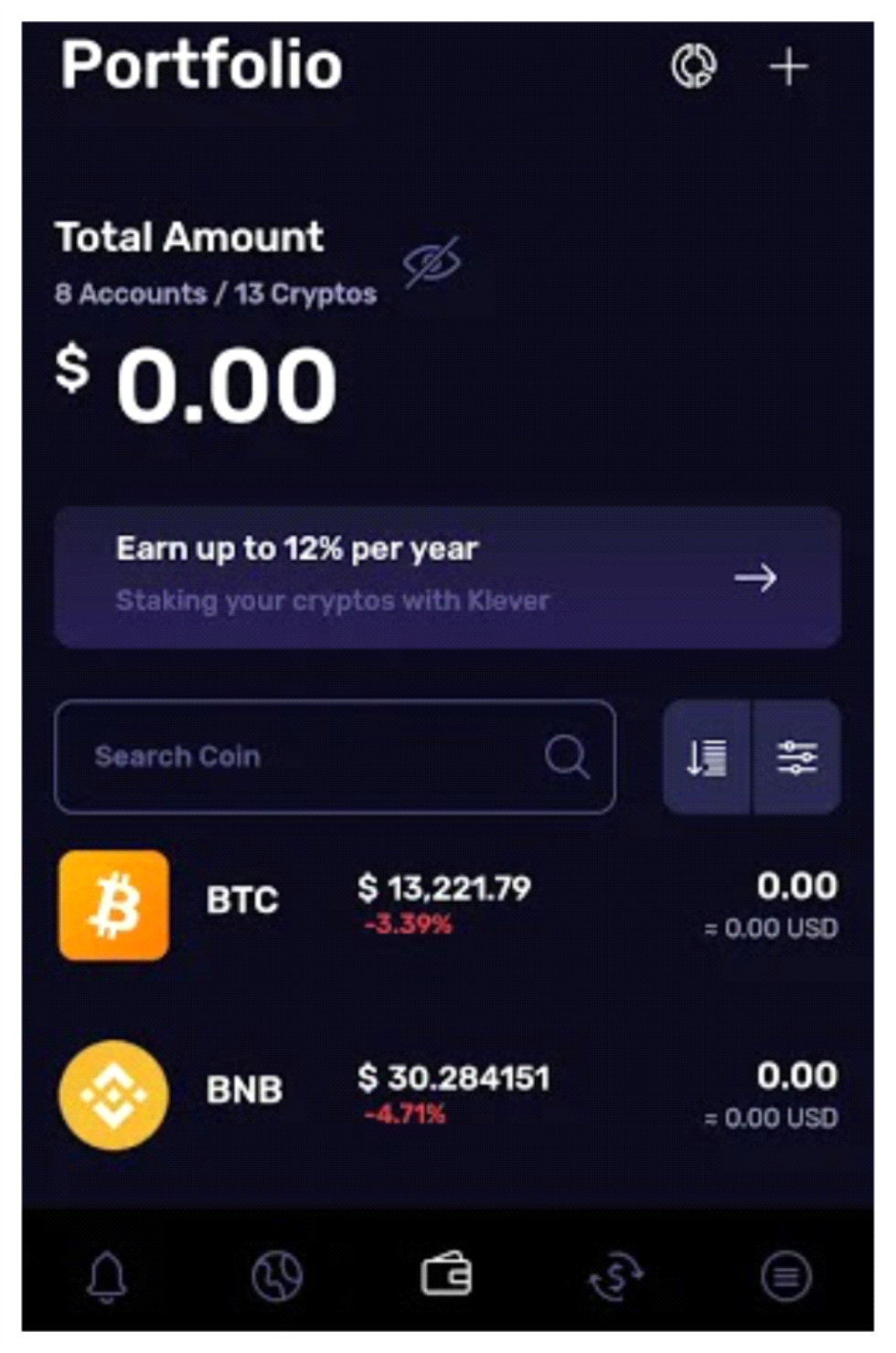
4. And so you hit your wallet.
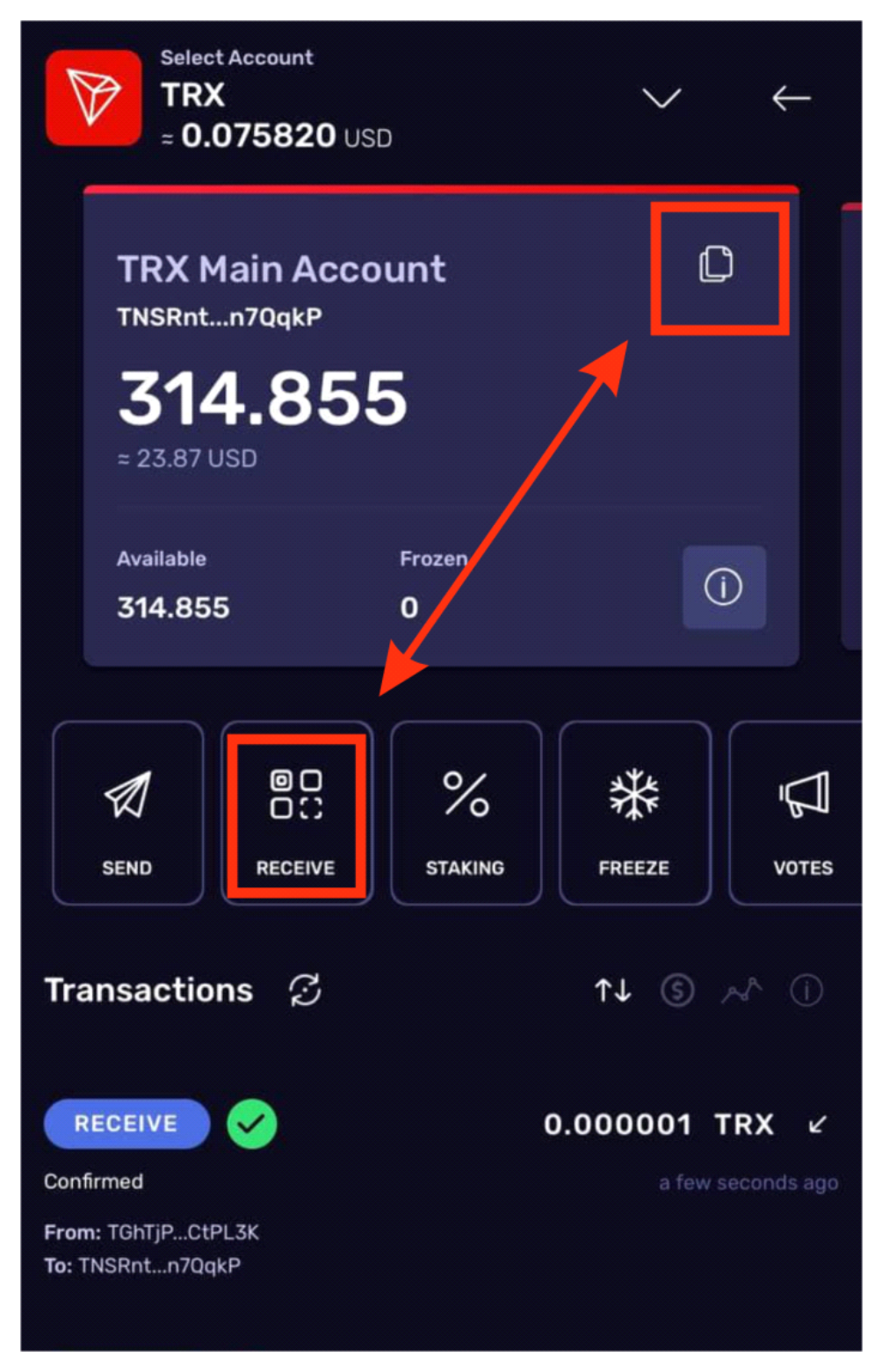
How to see a public key or a wallet address? The public key, aka your wallet address, is a code consisting of a set of letters and symbols. You will need the address to receive funds in your wallet.
1. Open the wallet. Choose "Receive".
Instructions TokenPocket
How to install TokenPocket wallet on smartphone for Loooop
To sign up with Loooop from your smartphone, you need to install the TokenPocket app. The wallet will belong only to you – the reward will come to it, and it will also be used for authorization on the website.
1. Go to tokenpocket.pro or search the App Store or Google Play for "TokenPocket", and download the app.
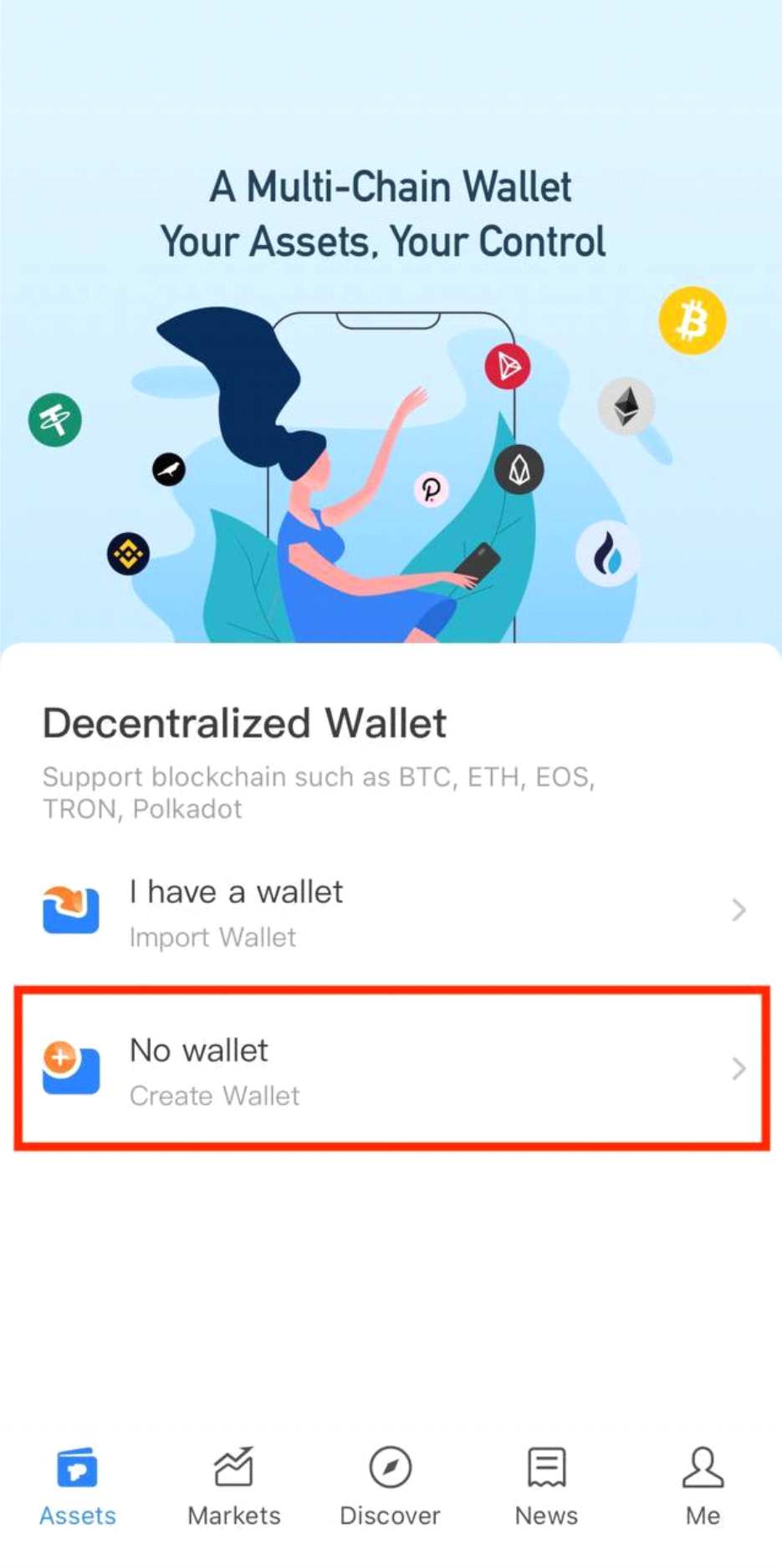
2. Once installed, open the app.
Choose "No wallet."
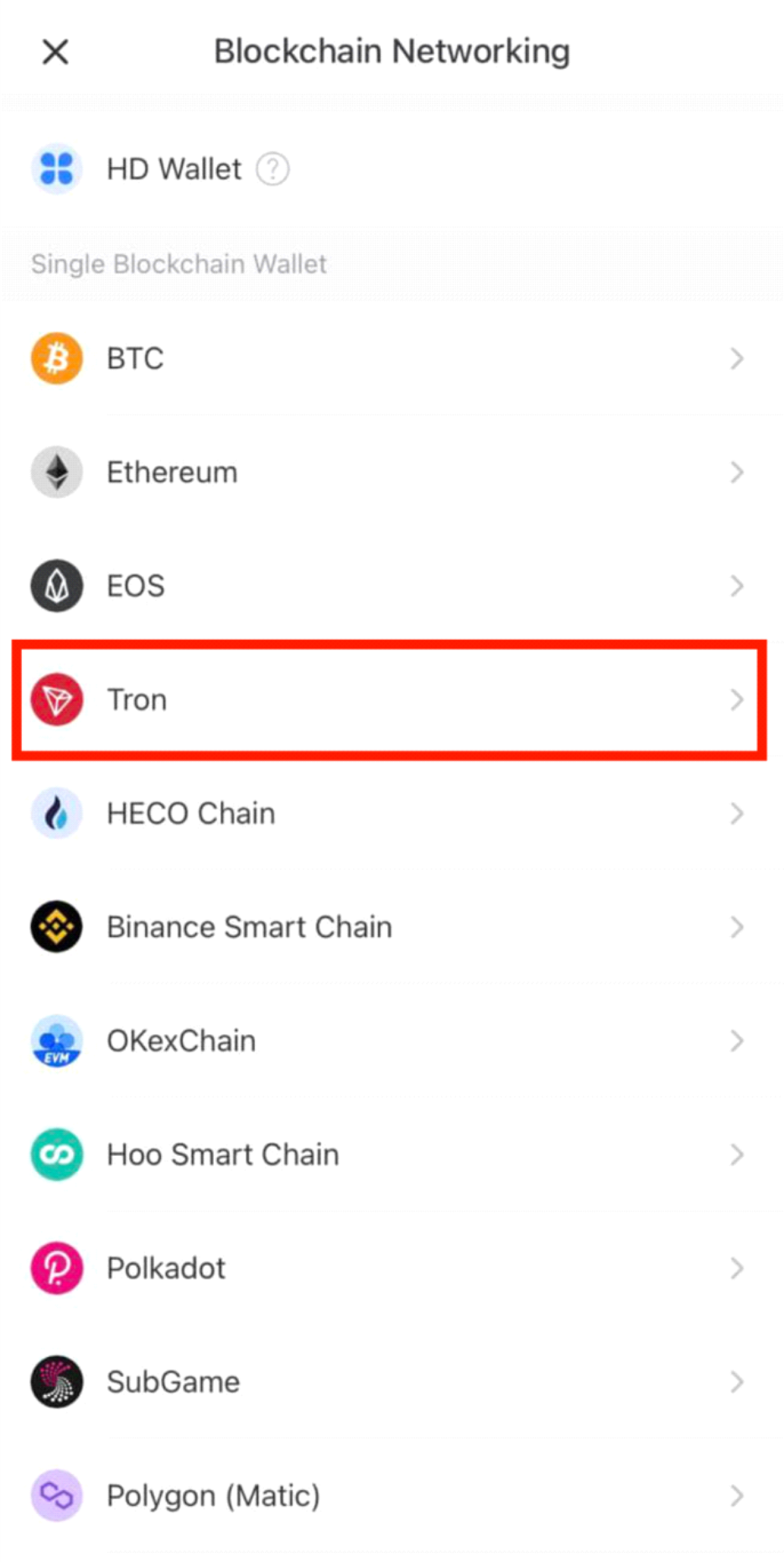
3. Choose Tron.
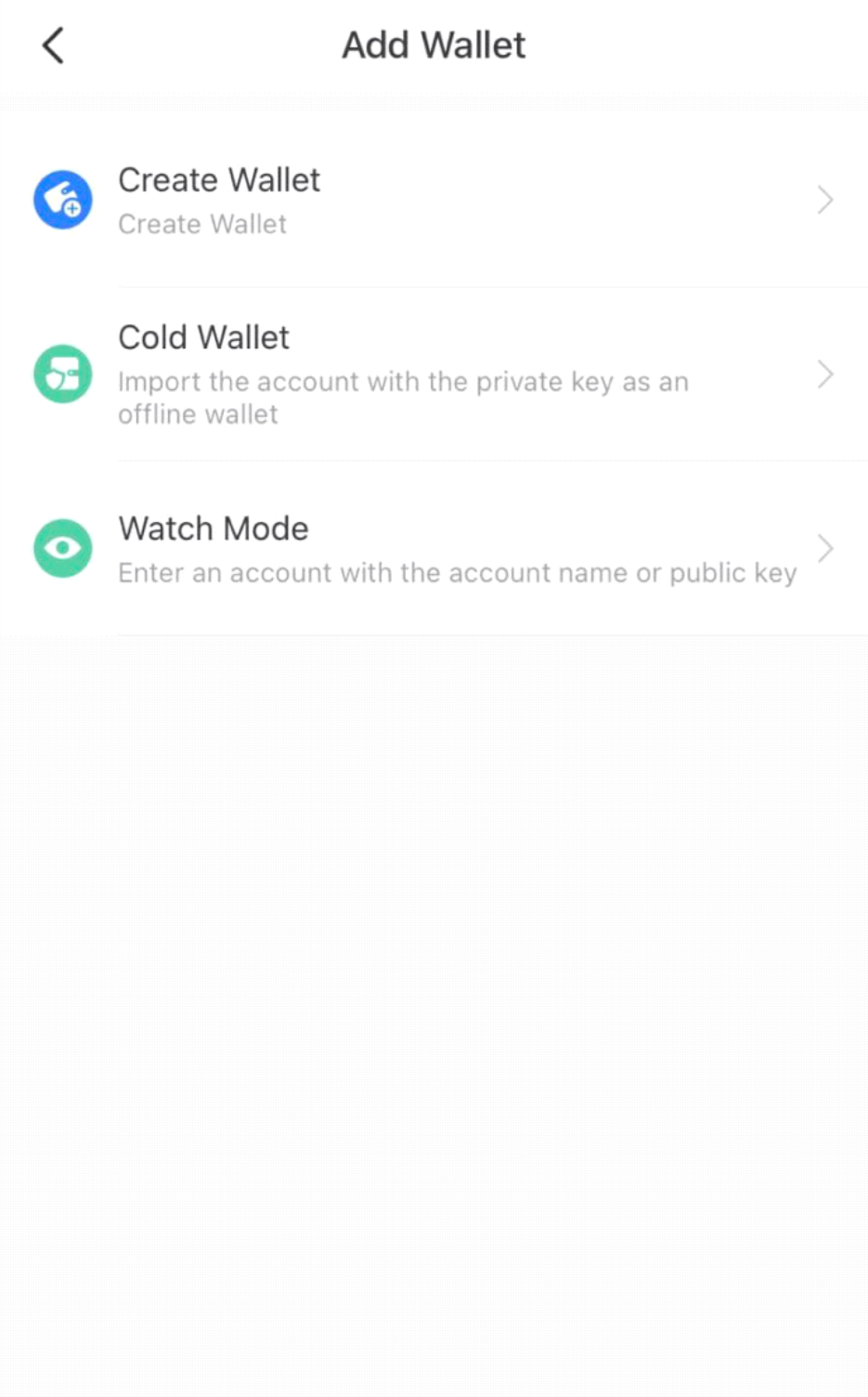
4. Create a new wallet "Create Wallet".
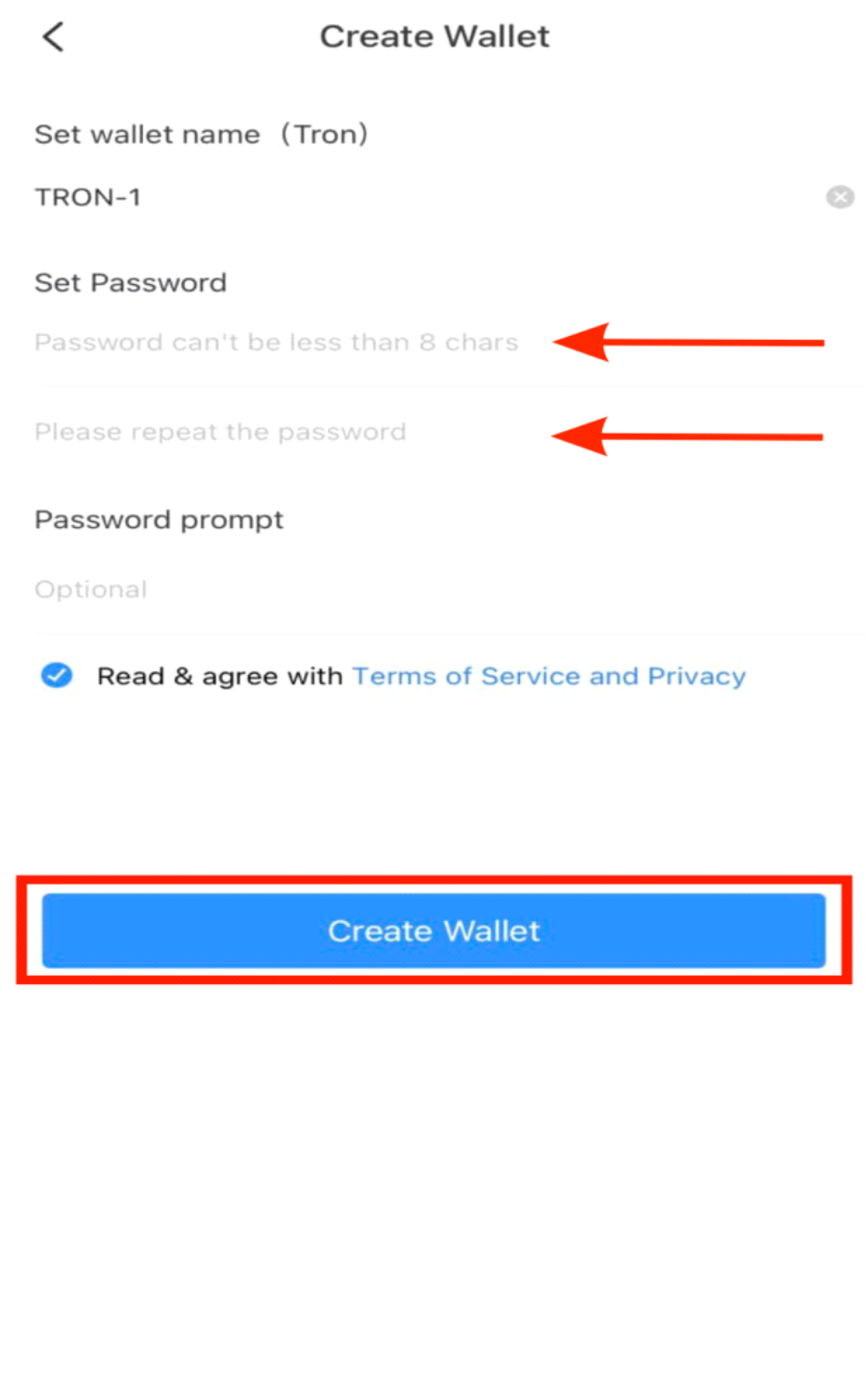
5. Create a secure password and duplicate it. Be sure to save your password.
Confirm your agreement with the Terms of Service and Privacy policy
"Terms of Service and Privacy".
Confirm the creation of wallet "Create Wallet".
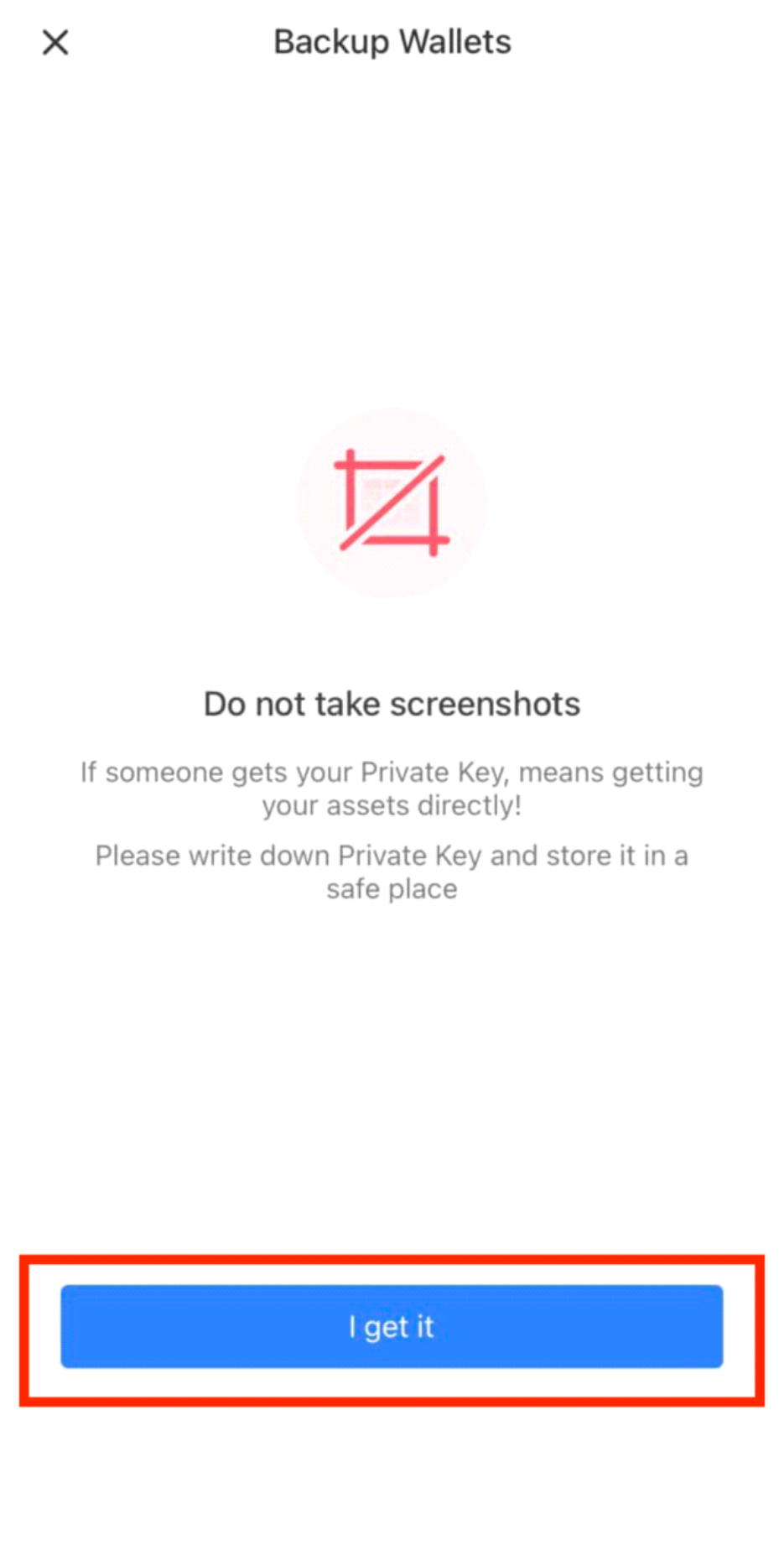
6. Backup Wallets
Press "I get in".
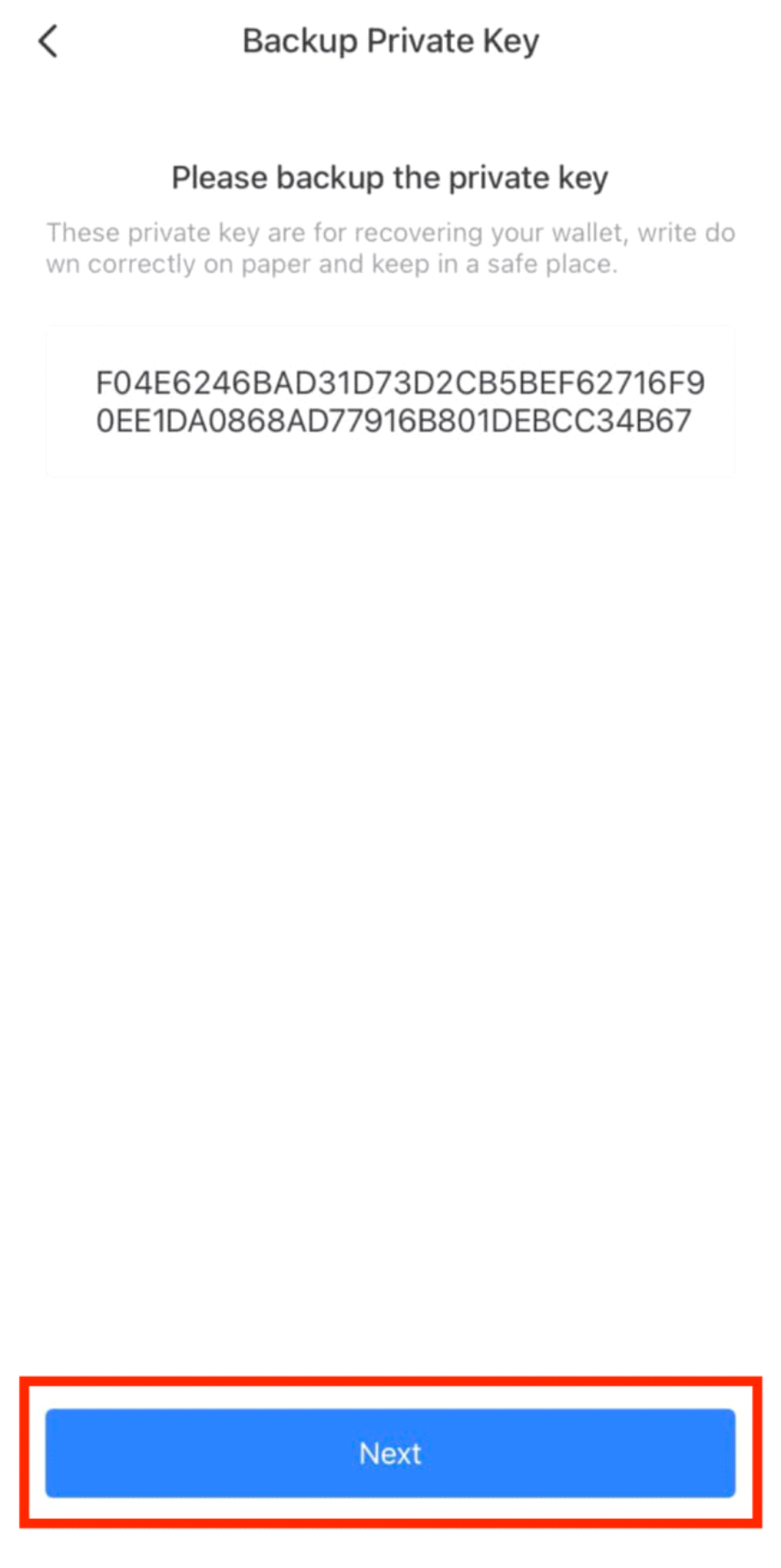
7. ATTENTION!!! Be sure to save these private key after registration! The key is generated when you create your wallet once and for all, it cannot be reset or changed. This is the only way to regain access to your wallet anywhere, anytime. Write it down on a piece of paper and keep it in a safe place. If the phrase ends up in the hands of strangers, it could cause you to lose your funds. If you lose the phrase, it will be impossible to restore your wallet.
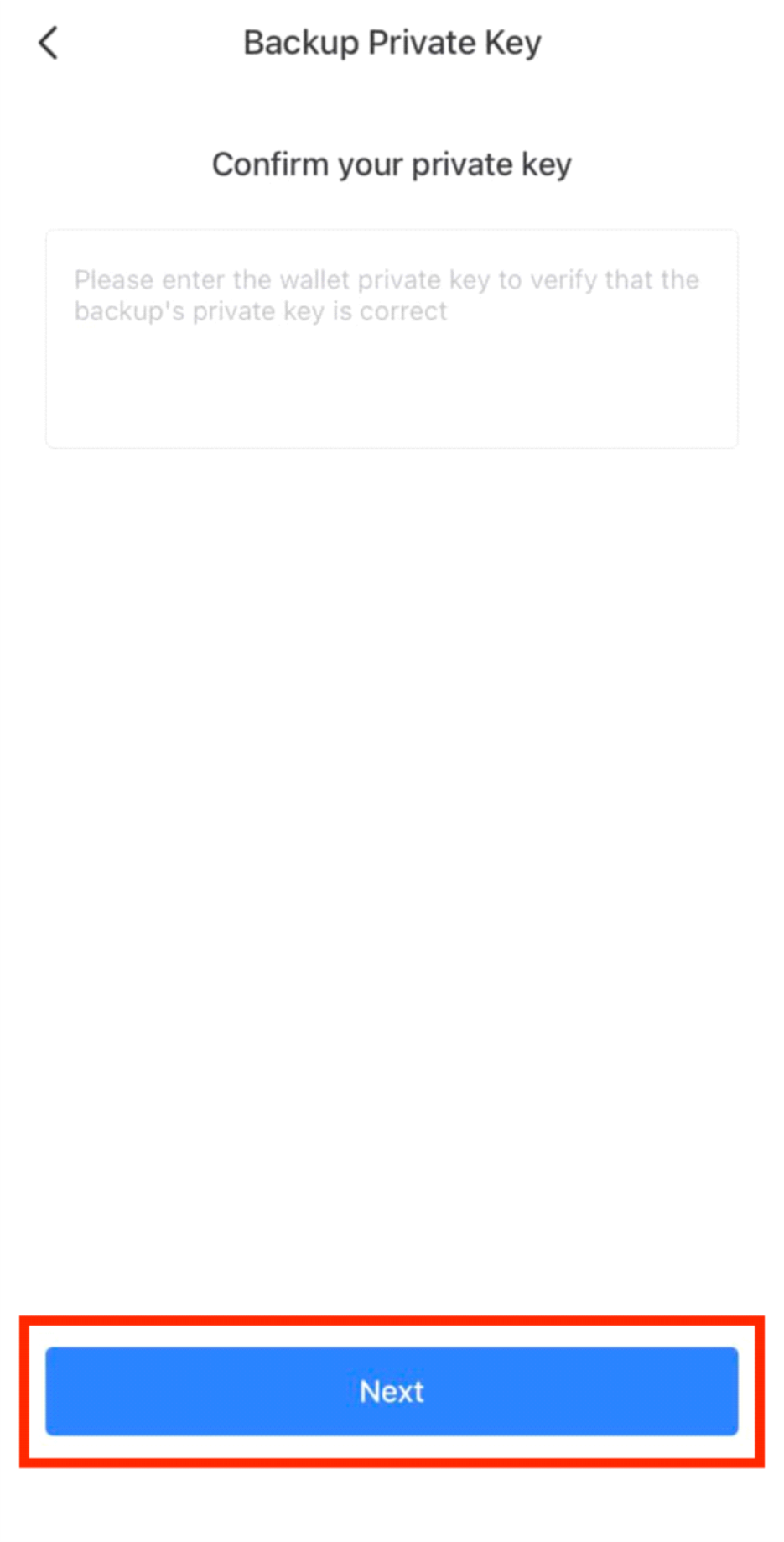
Press «Next".
7. Enter the wallet private key
Confirm verification "Next".
Your wallet is up and running!
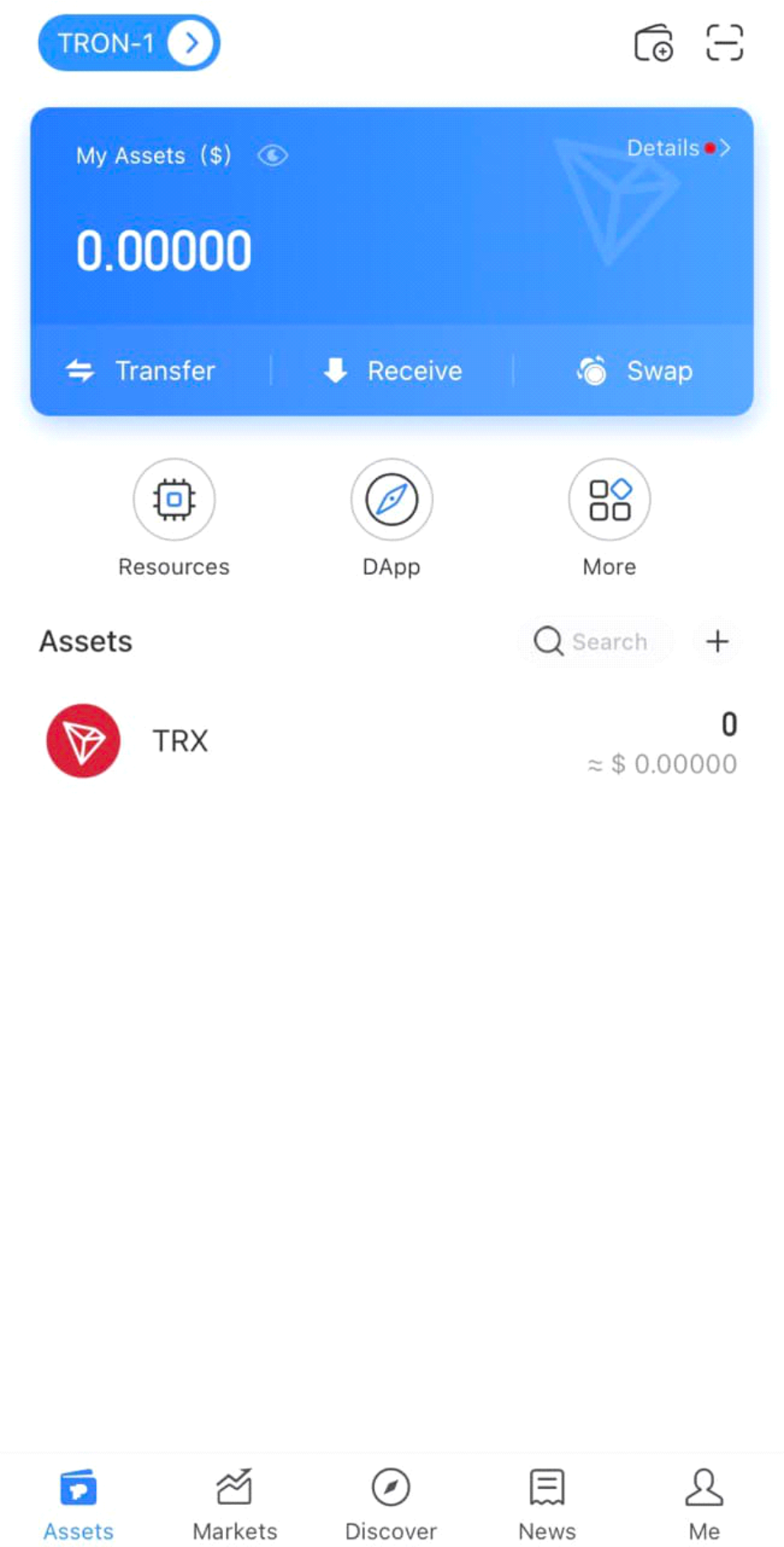
How to see a public key or a wallet address?
The public key, aka your wallet address, is a code consisting of a set of letters and symbols. You will need the address to receive funds in your wallet.
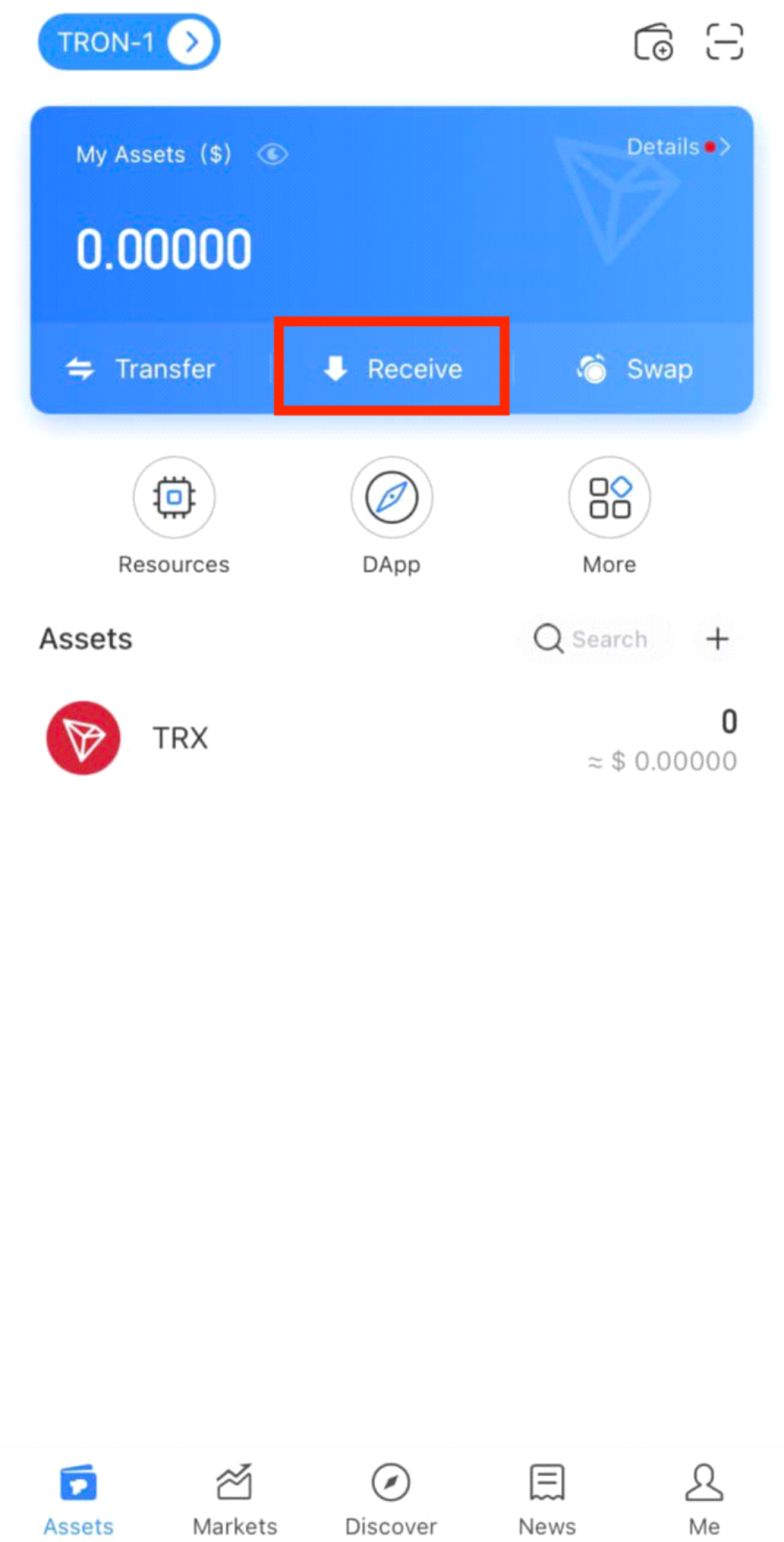
1. Open the wallet.
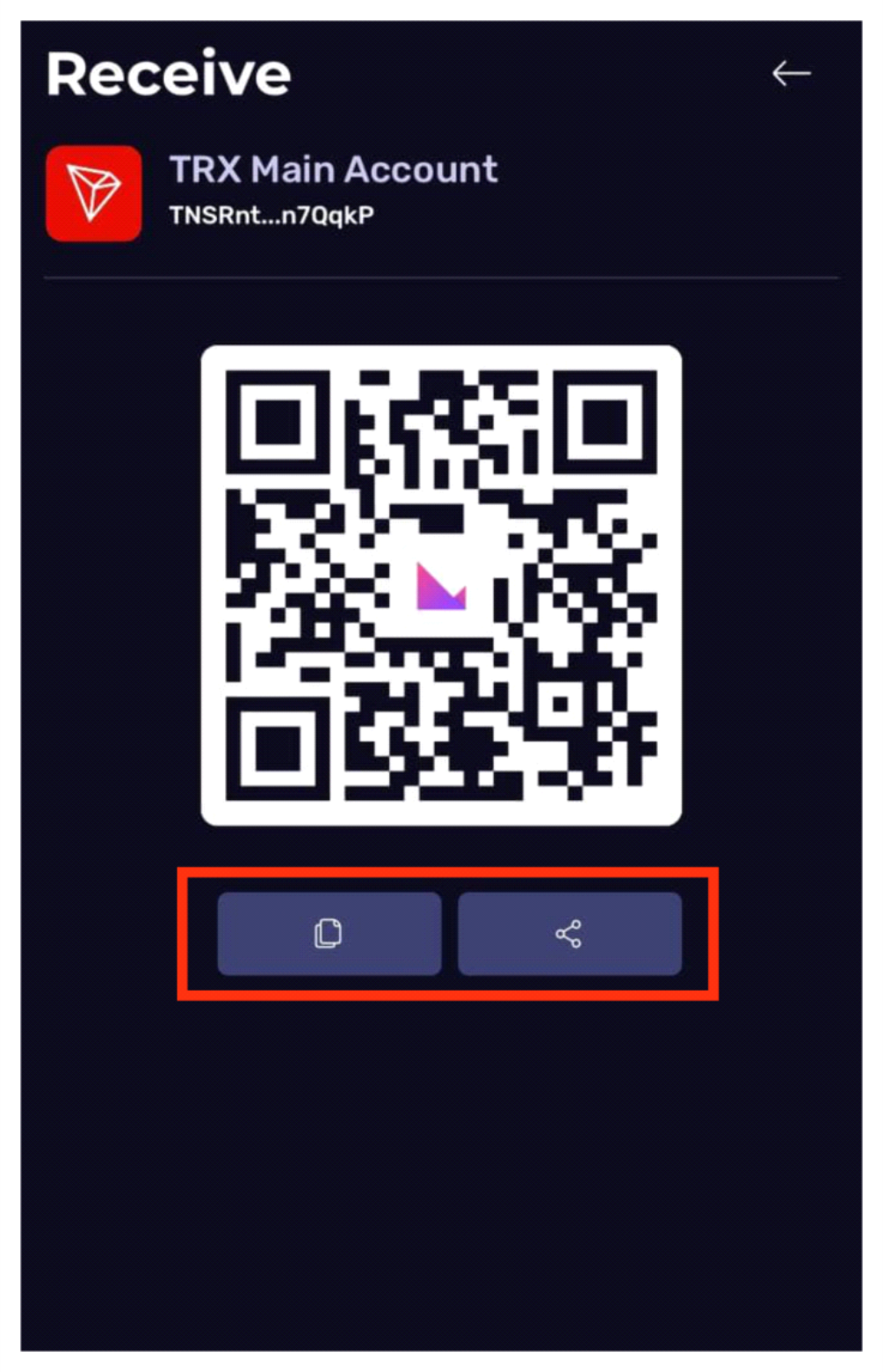
Choose "Receive"
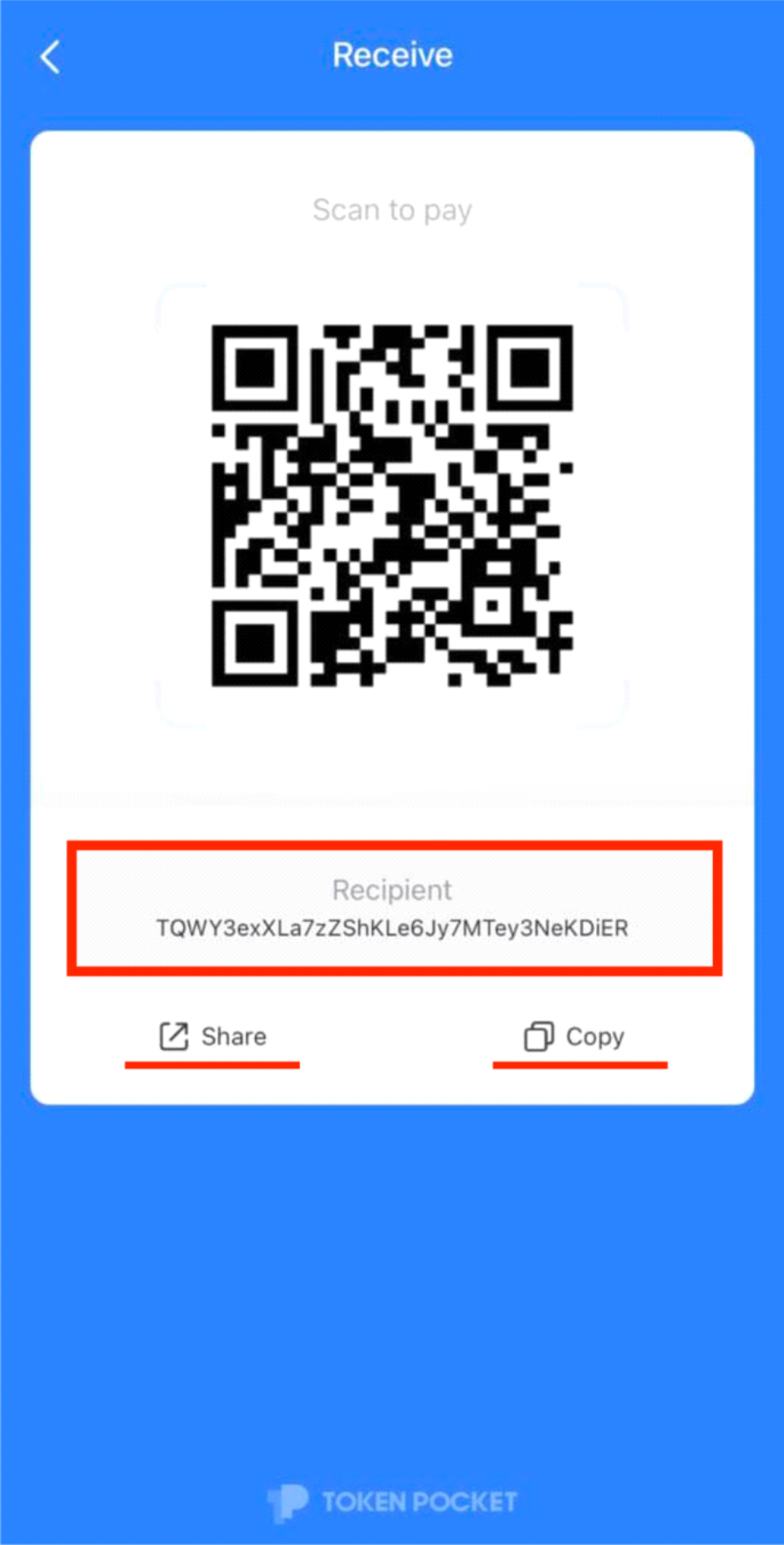
2. You can see the wallet address in the field marked with a red rectangle .
You can share the address, copy it, and also use the QR code to receive funds.
Instructions TronLink
How to install TronLink wallet on PC for Loooop
Creating a TronLink wallet on your PC. To sign up for Loooop from your PC, you need to install the TronLink extension. The wallet will belong only to you - the remuneration will be sent to it, and it will also be used for authorization on the site.
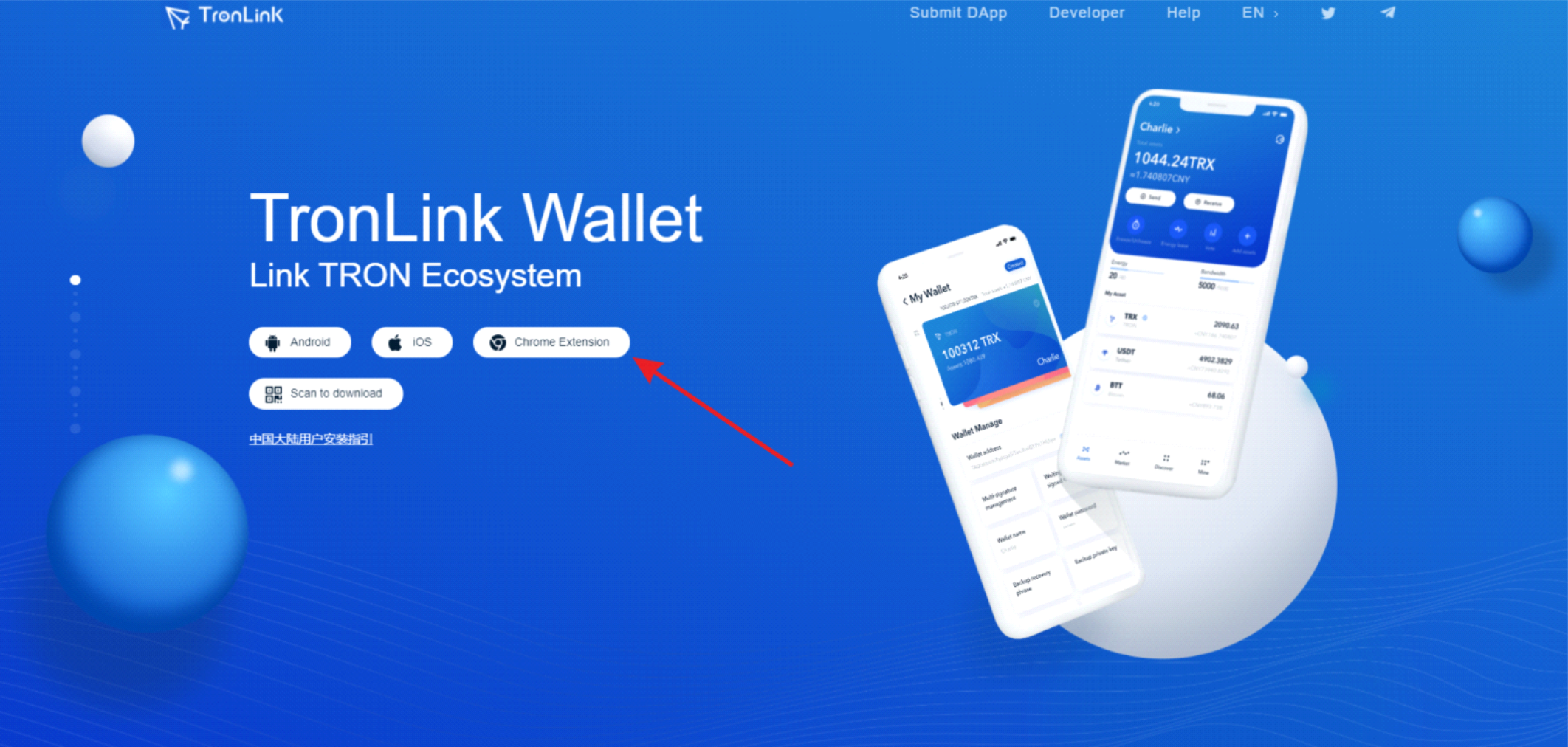
1. The main page of TronLink lists the available versions of the wallet, choose the TronLink extension for Google Chrome browser.
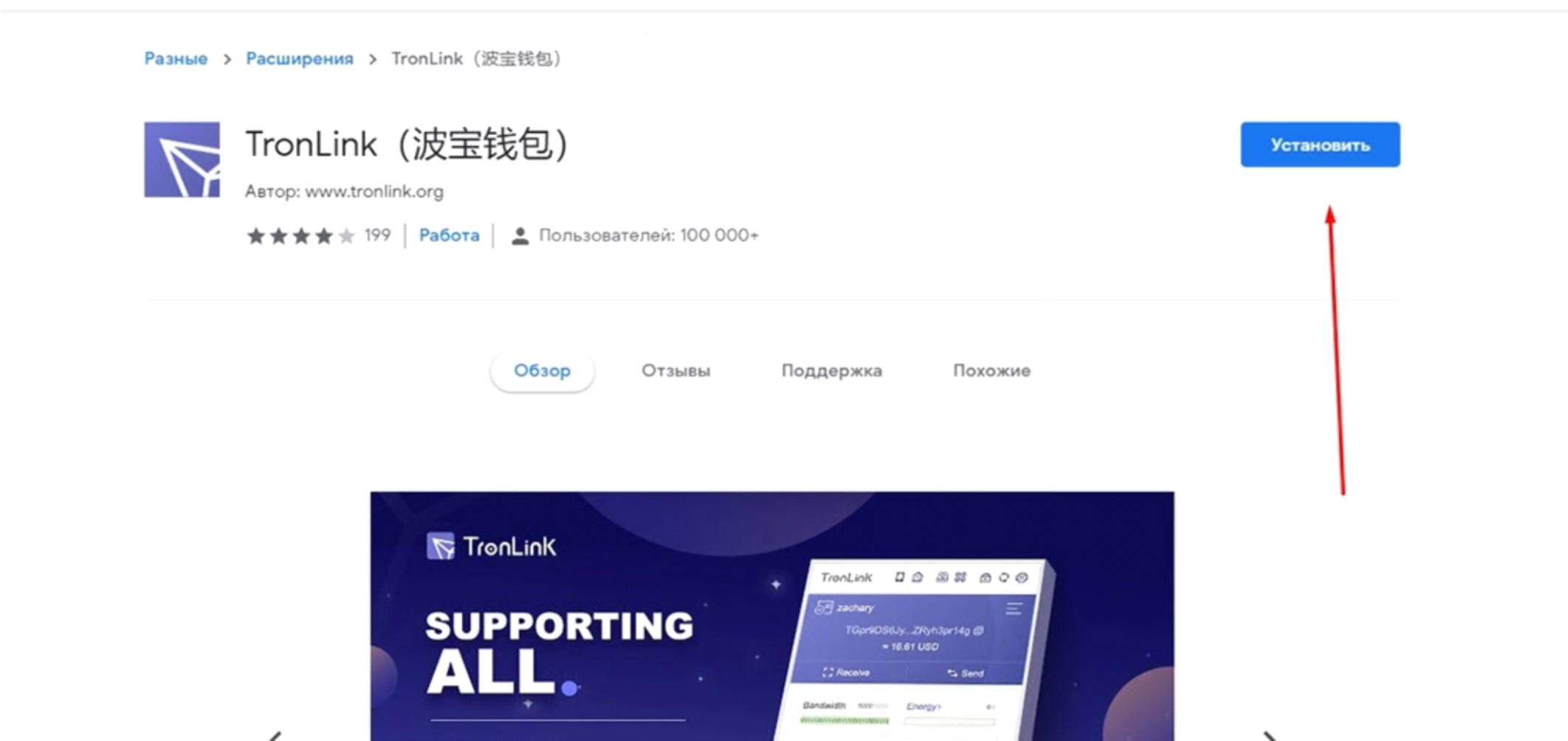
2. Complete the installation of the add-on from the browser's marketplace. To do this, click on "Install".
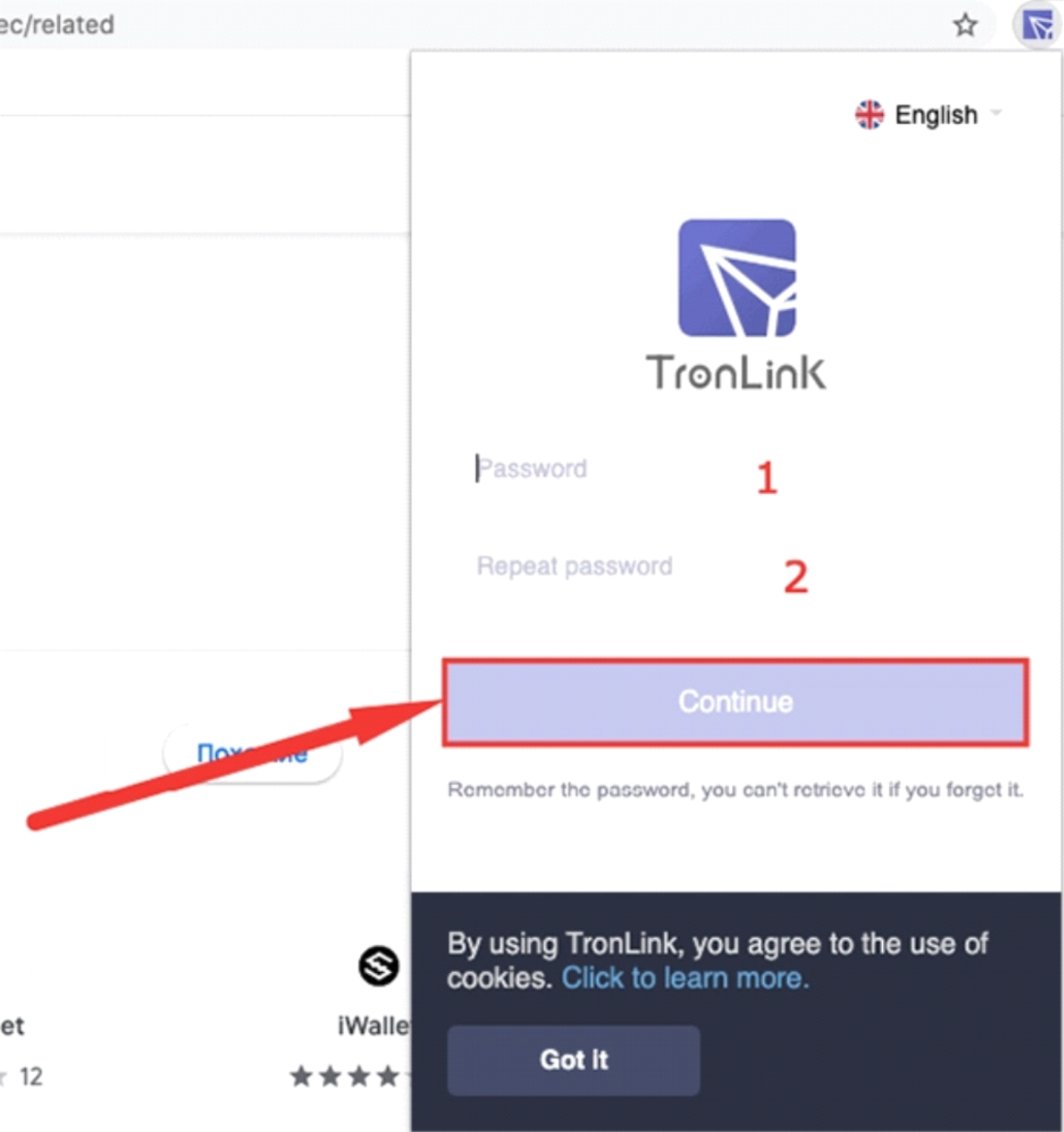
3. After installation, a quick registration process begins. Click on the TronLink Pro icon in your browser, think of a password, and then re-enter it.
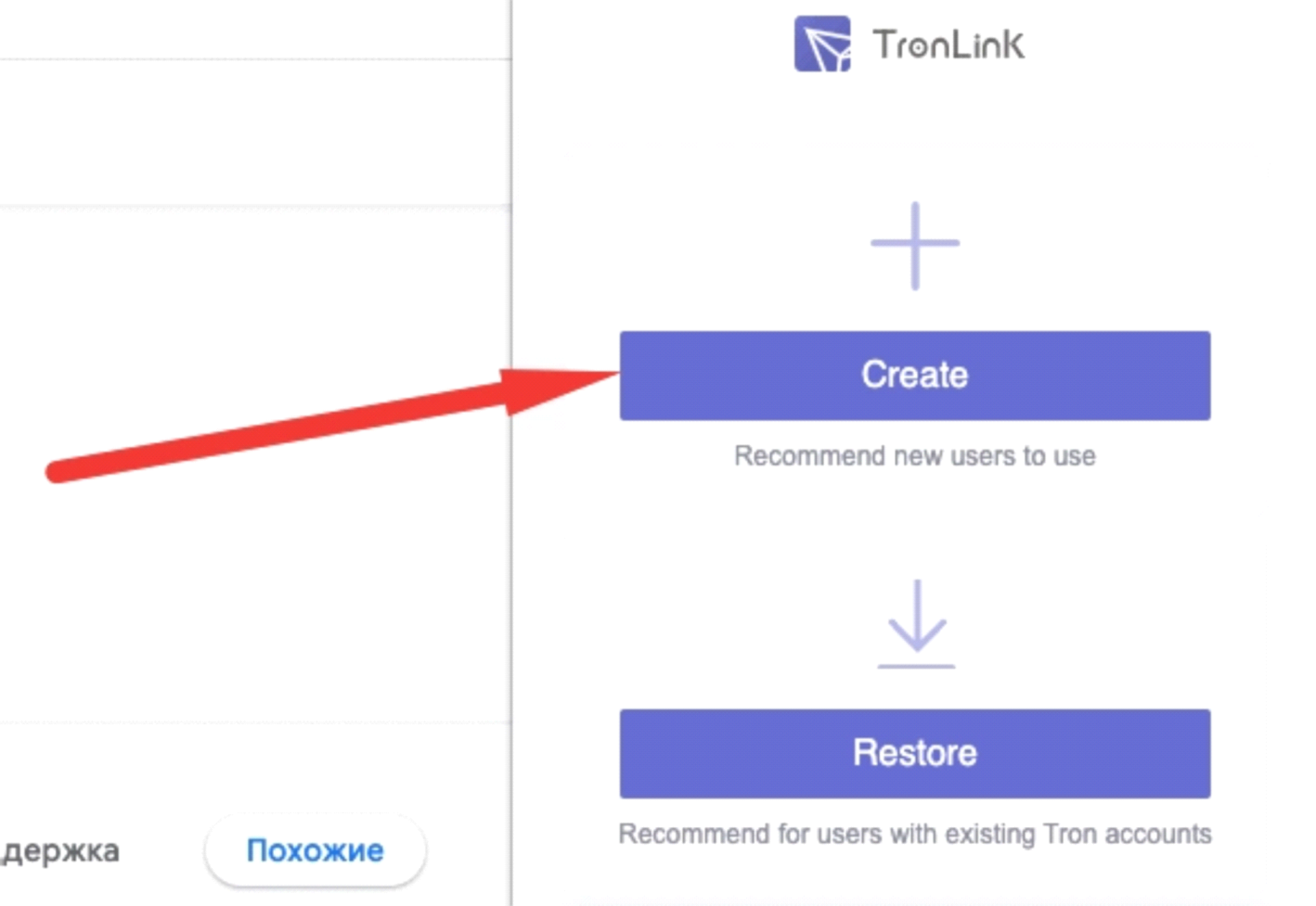
4. If you have not used cryptocurrency before, then select "Create".
5. Now you need to think of a name for your account, once it is entered, click "Continue".
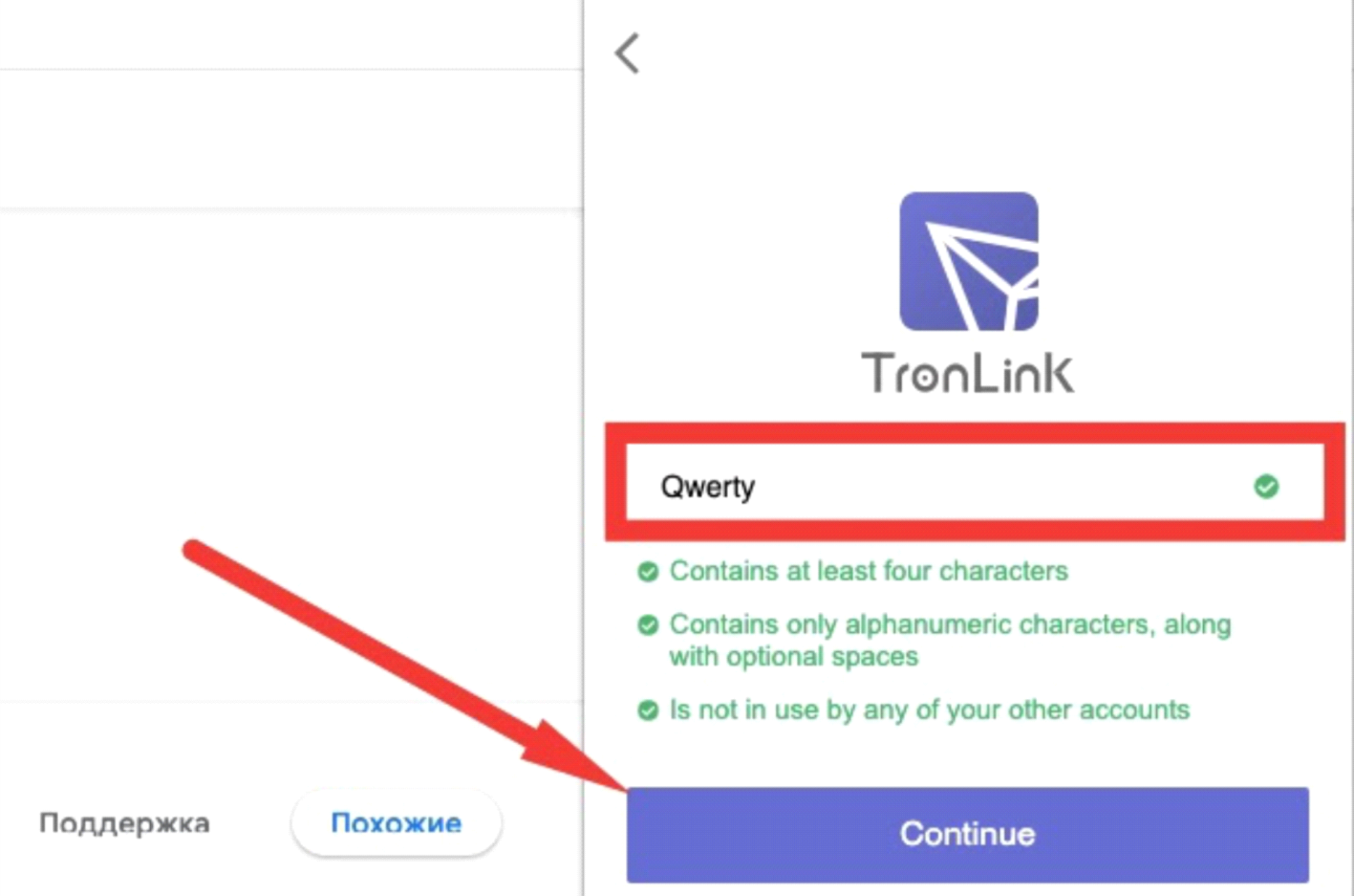
Save the 12-word phrase and then press "Continue" again.
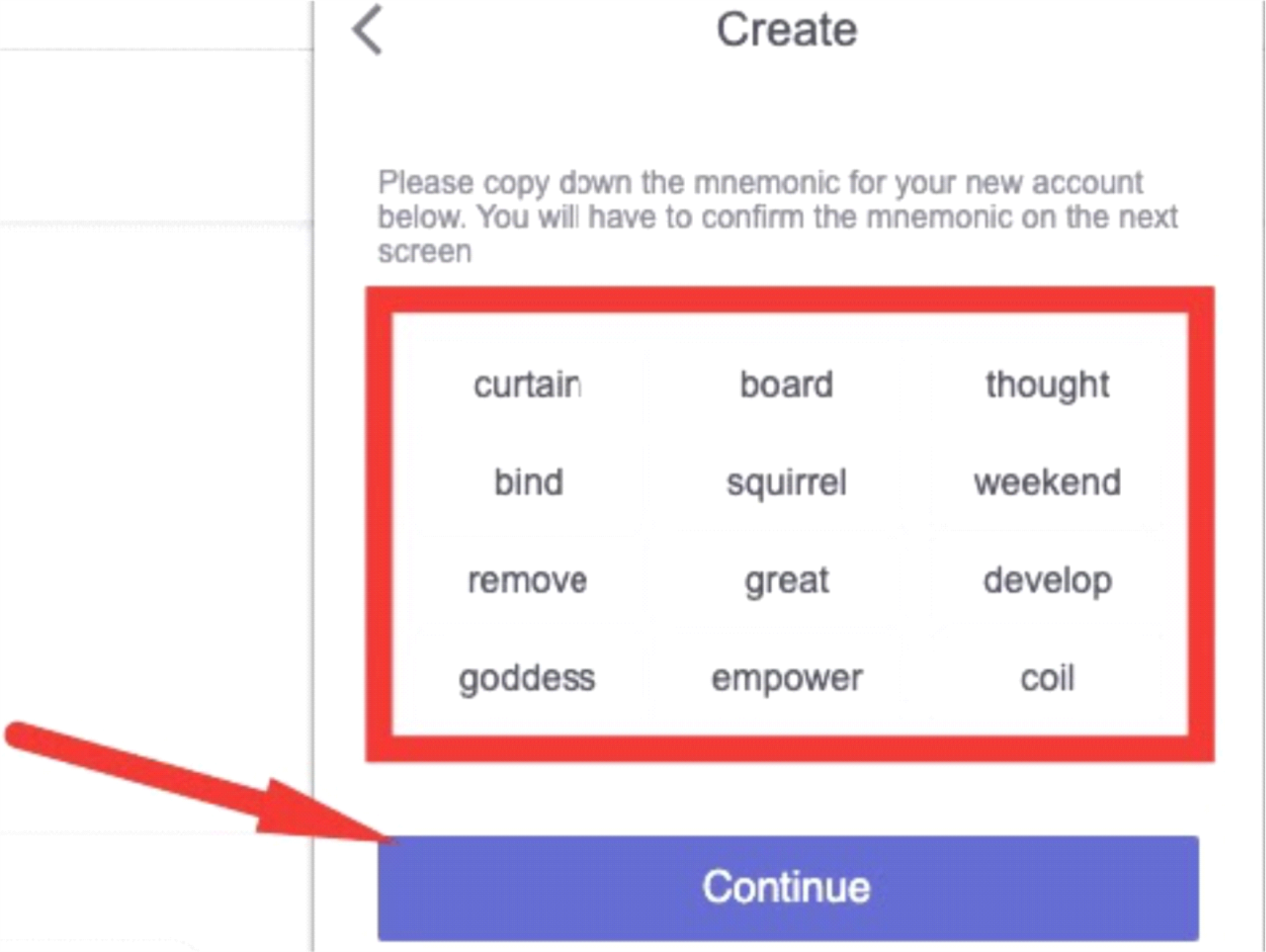
Save a private key, which will be automatically generated by the TronLink extension. With its help you will be able to restore access to your wallet, if such a need arises.
To sign up with Loooop from your smartphone, you need to install the TronLink app. The wallet will belong only to you – the reward will come to it, and it will also be used for authorization on the website.
1. Go to Tronlink.org or search the App Store or Google Play and download the app.
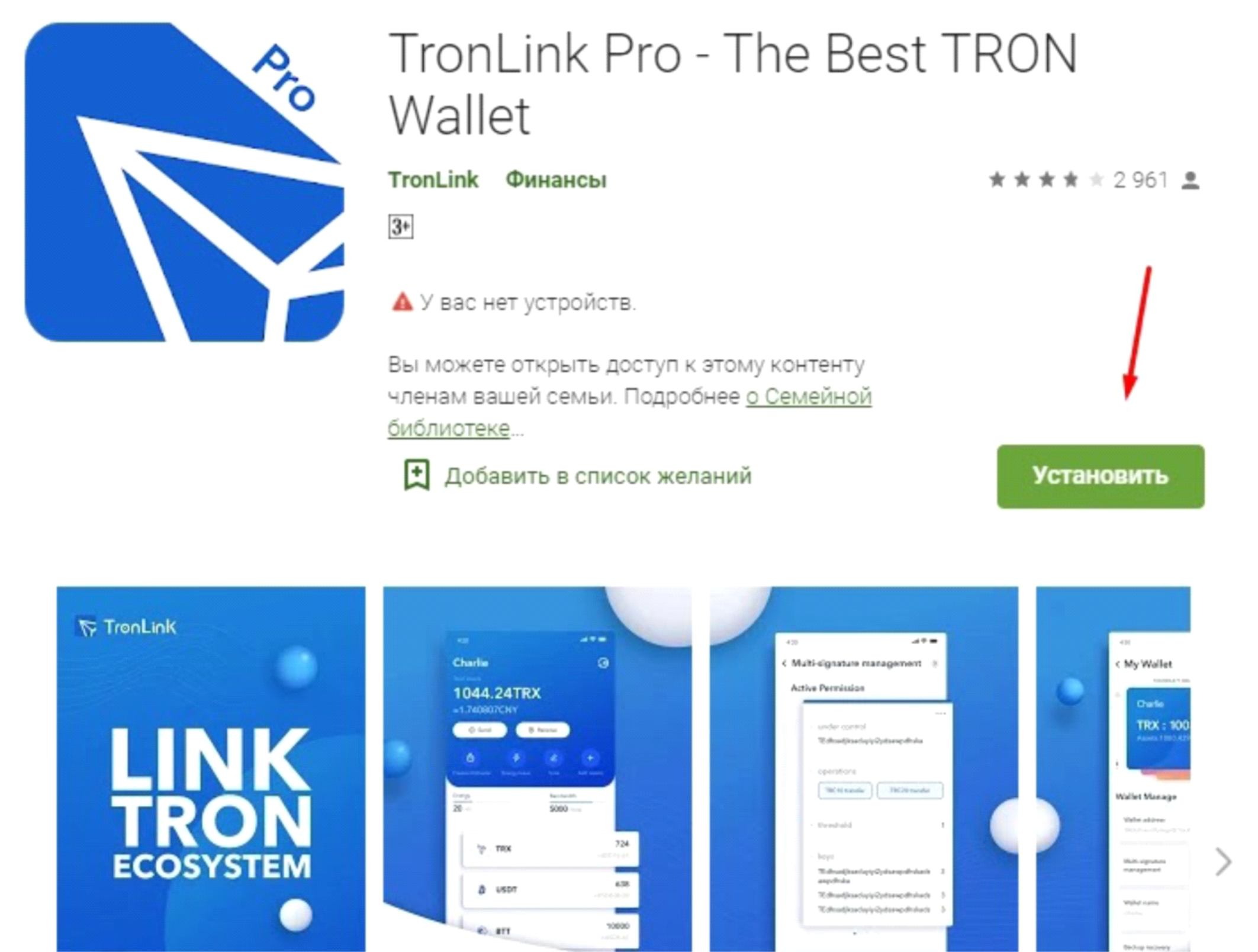
2. When the installation is complete, a welcome screen will open.
Click the "Create Account" button.
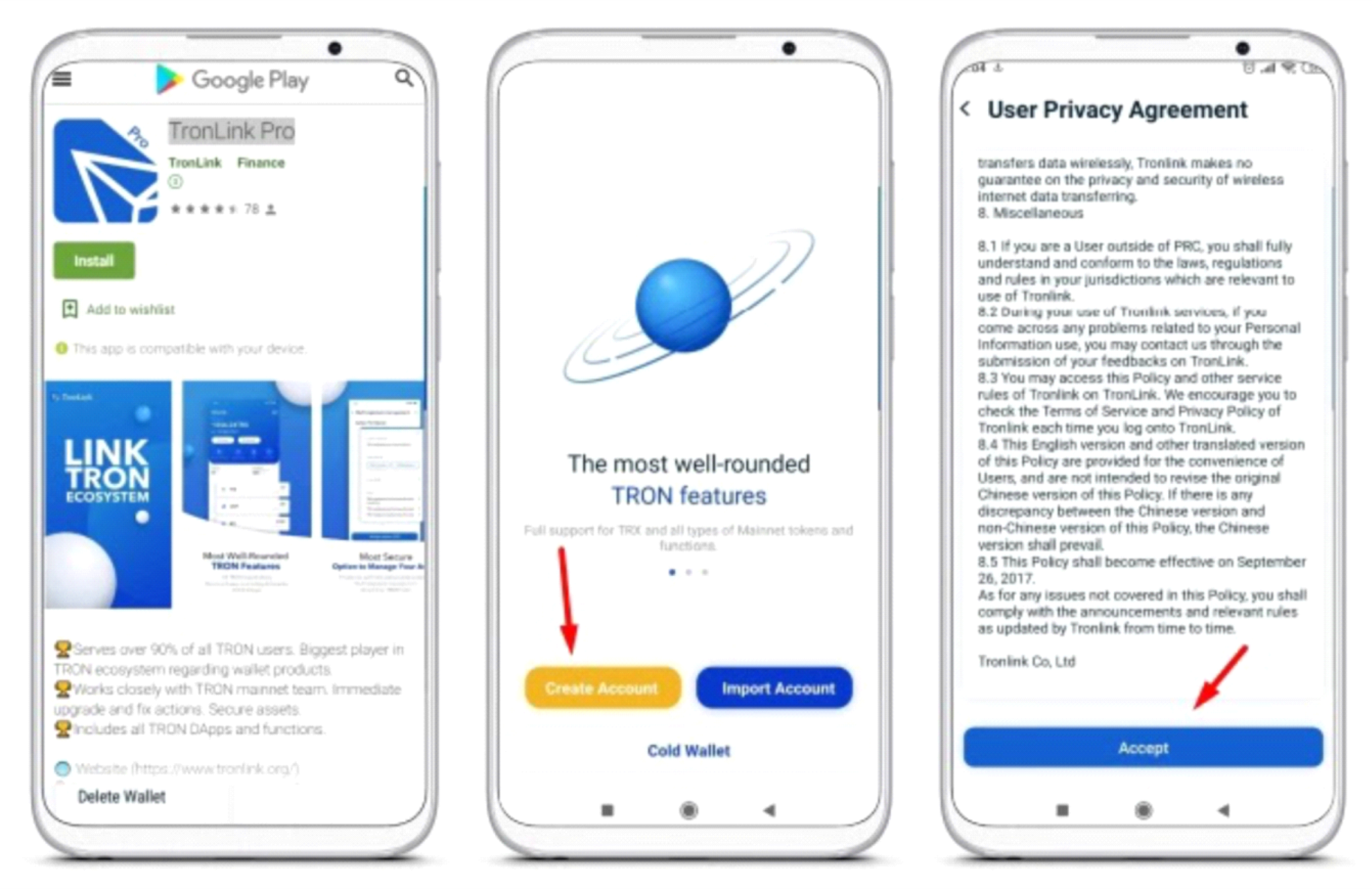
3. Read the user agreement carefully, and at the very bottom, click "Accept".
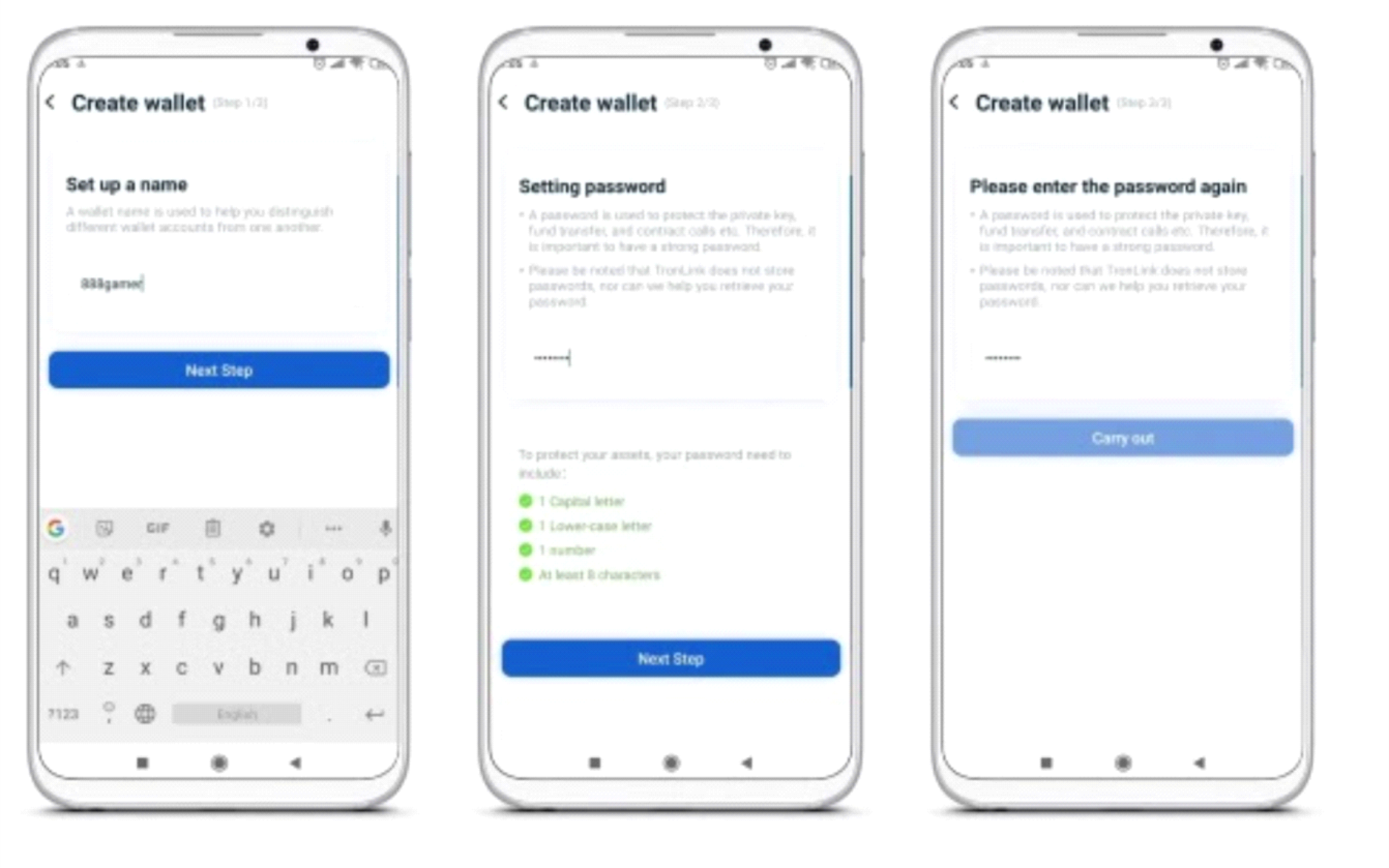
4. Re-enter the password. The system will notify you that a 12-word MNEMONIC code will now be automatically created. When it appears on the screen, save it.
How to buy Tron cryptocurrency (TRX)
How to buy Tron cryptocurrency (TRX)
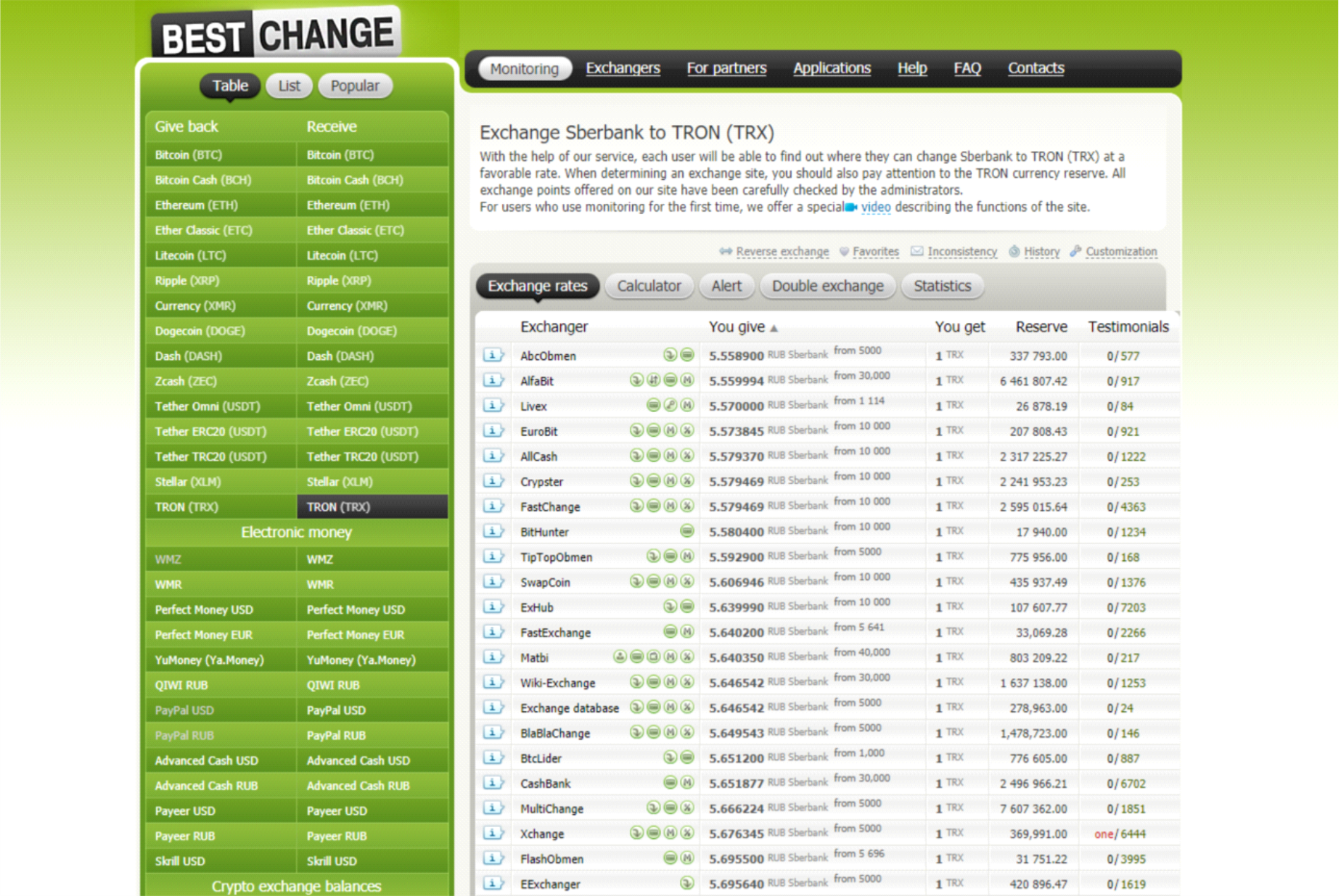
1. Bestchange.com currency exchanger.
Note: When depositing with Bank cards, the exchange may for the first time to verify the card. Usually a photo of the card in the background page exchange. Subsequent replenishments are made instantly. If You do not want to verify the exchange of your card, that you can first recharge QIWI or Яндекс.Деньги or Payeer.com with my credit card (through the interface either of these two payment systems, and not through the exchanger), and then have such payment system through the exchanger to change to an Tronwallet without the card verification.
- 1. Go to the website bestchange.ru
- 2. Choose the appropriate payment system with which you want to exchange for therequired Tron currency
- 3. Choose the right service with the best rate
- 4. Go to the website of the selected exchanger and follow the simple instructions. The exchange is usually automatic and very fast Make sure your Tron wallet has received funds
2. Klever Mobile Wallet
1. Go to klever.io or search the App Store or Google Play for,
and download the app.
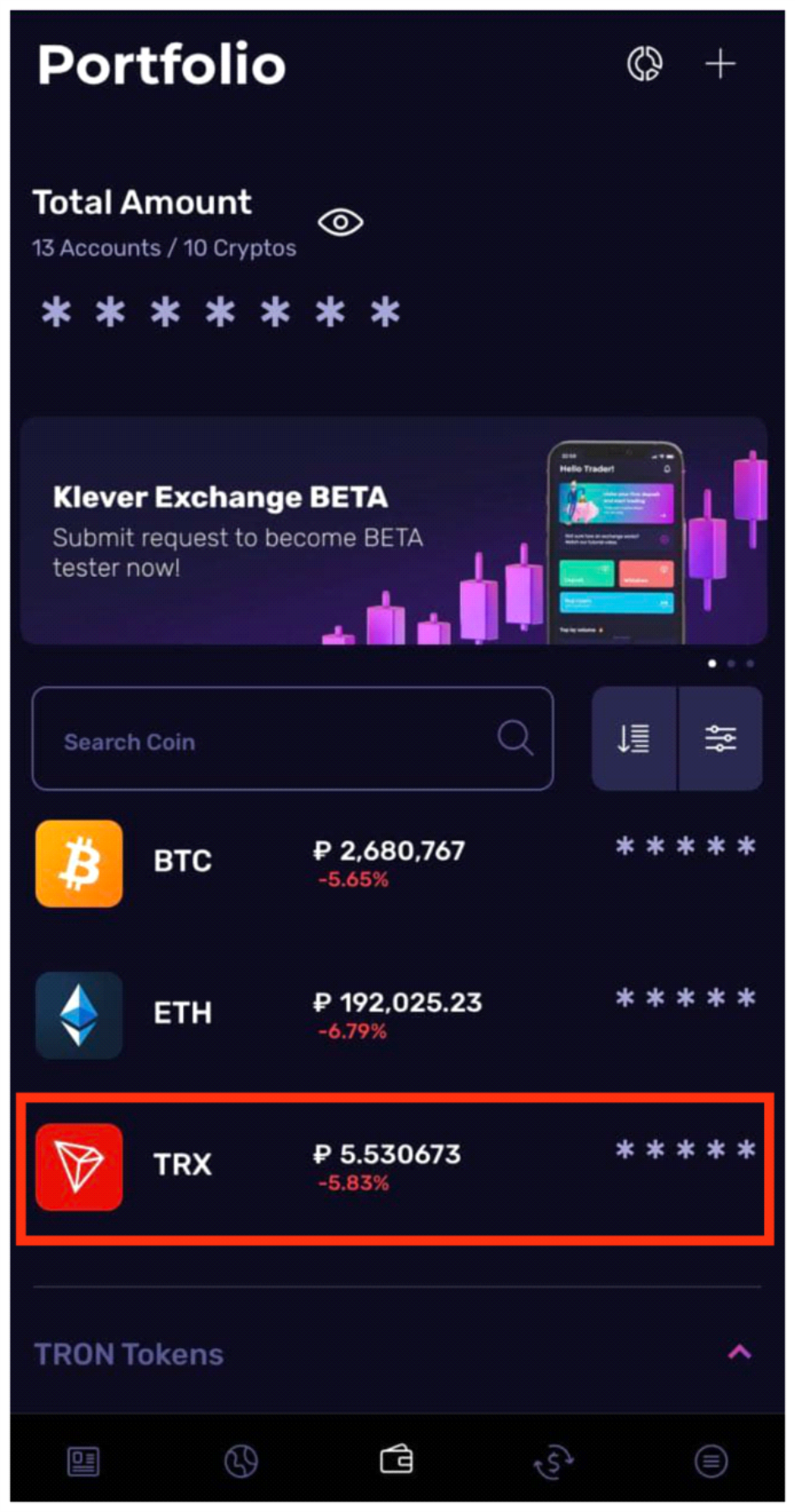
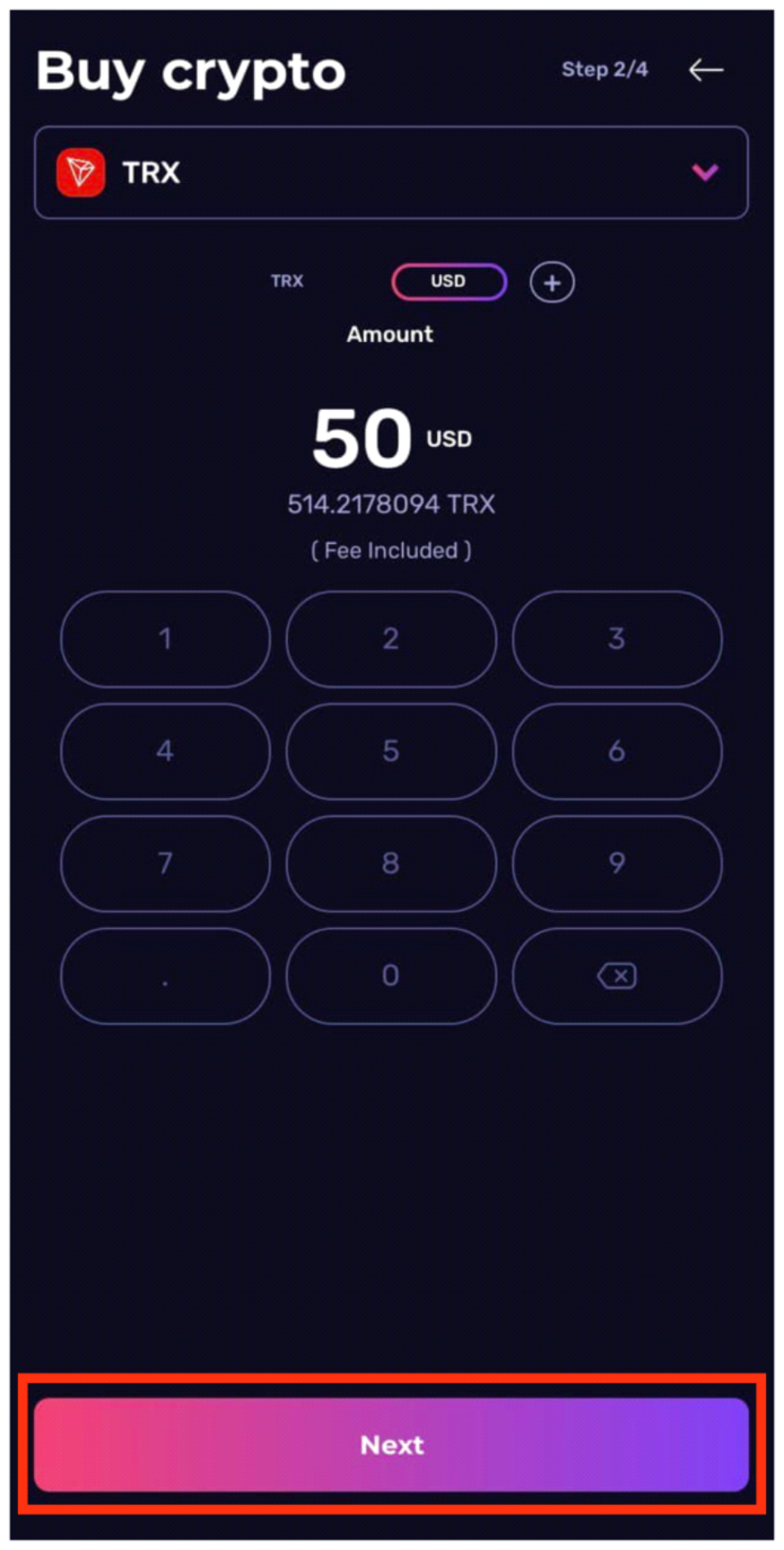
2. From the home screen menu, select TRON
3. Click “Buy”
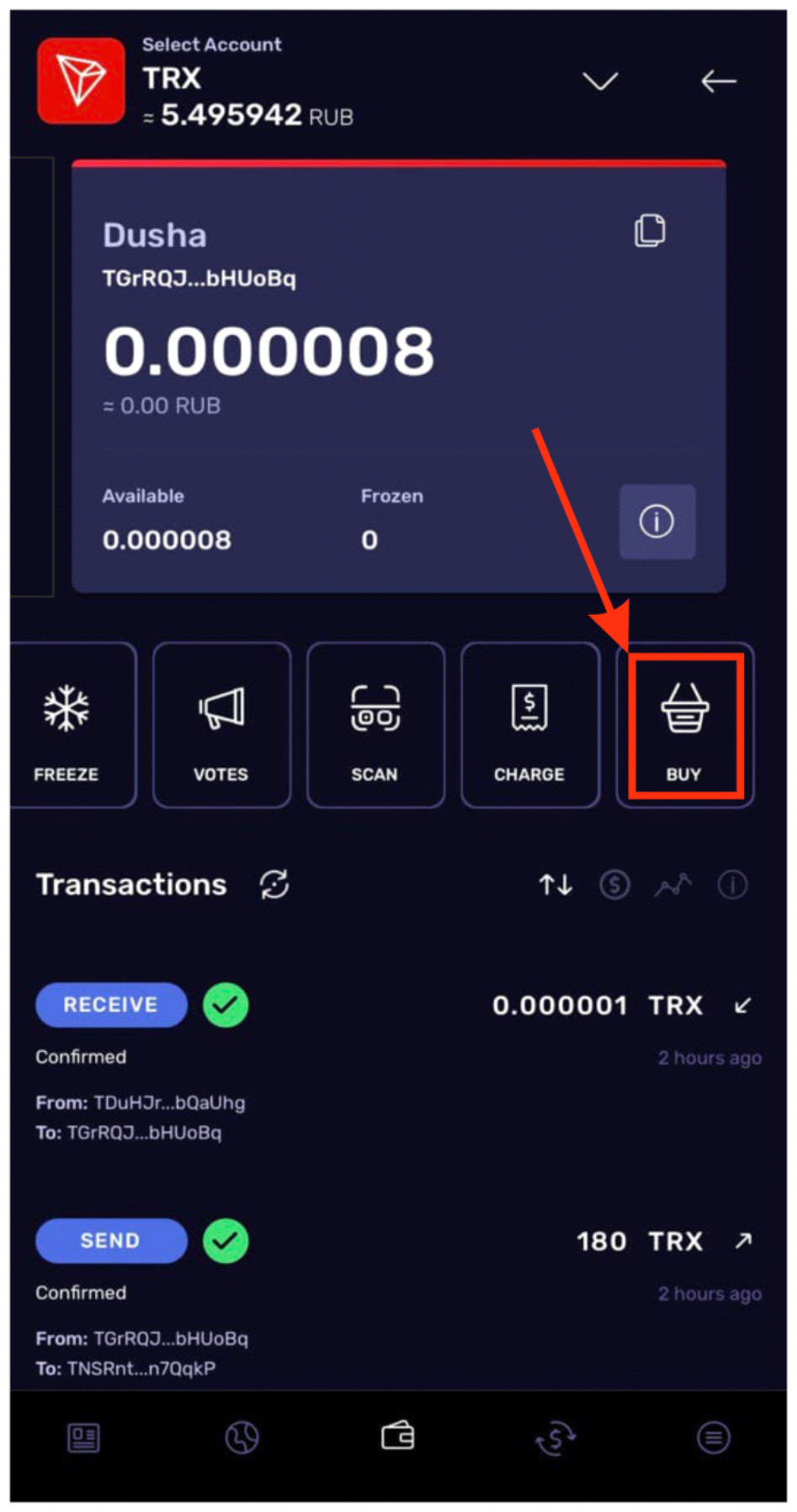
4. Specify the amount. Click “Next” 5. Payment service information. Click “Next”
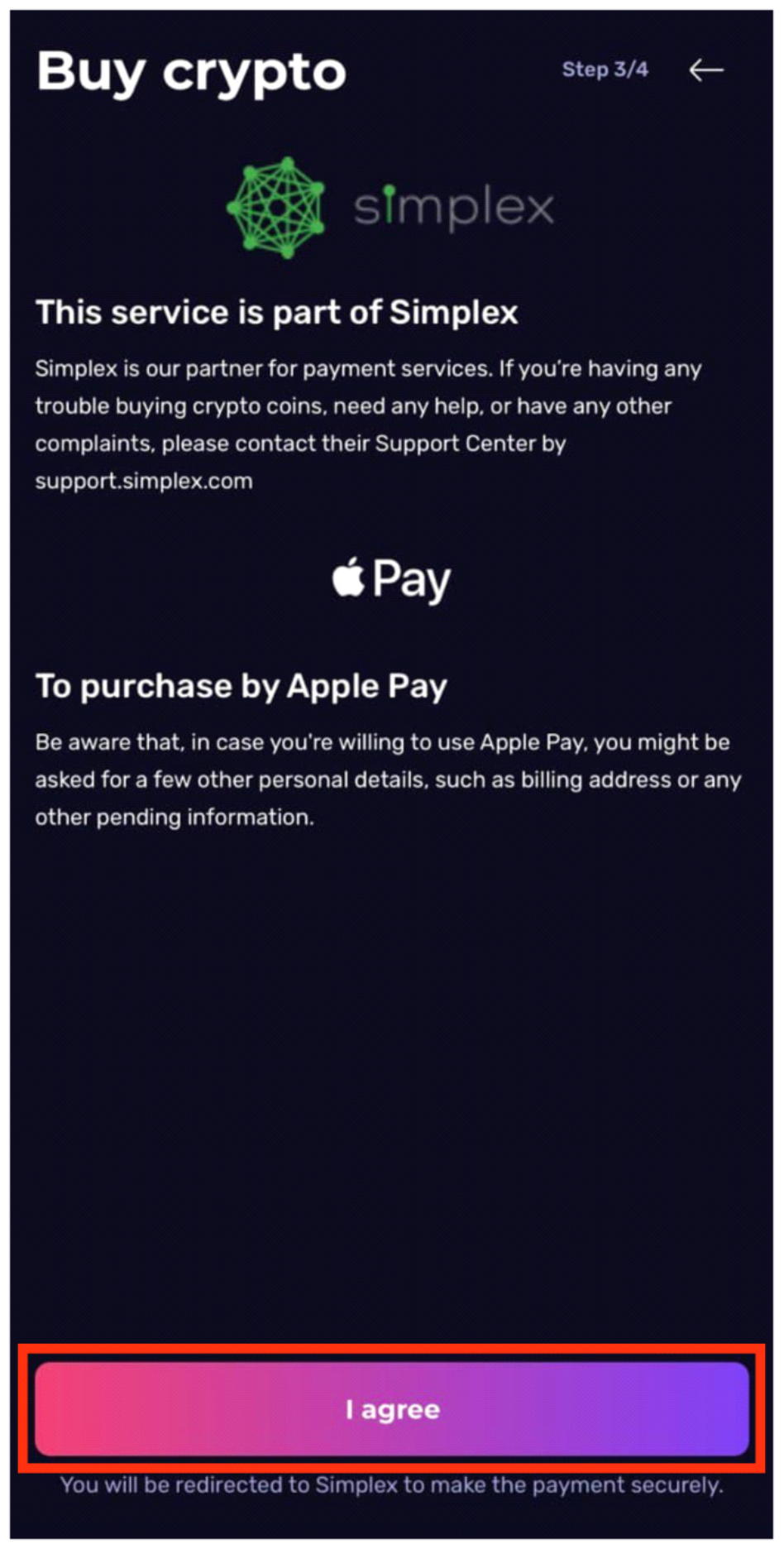
6. In the payment menu, you need to specify your card details.
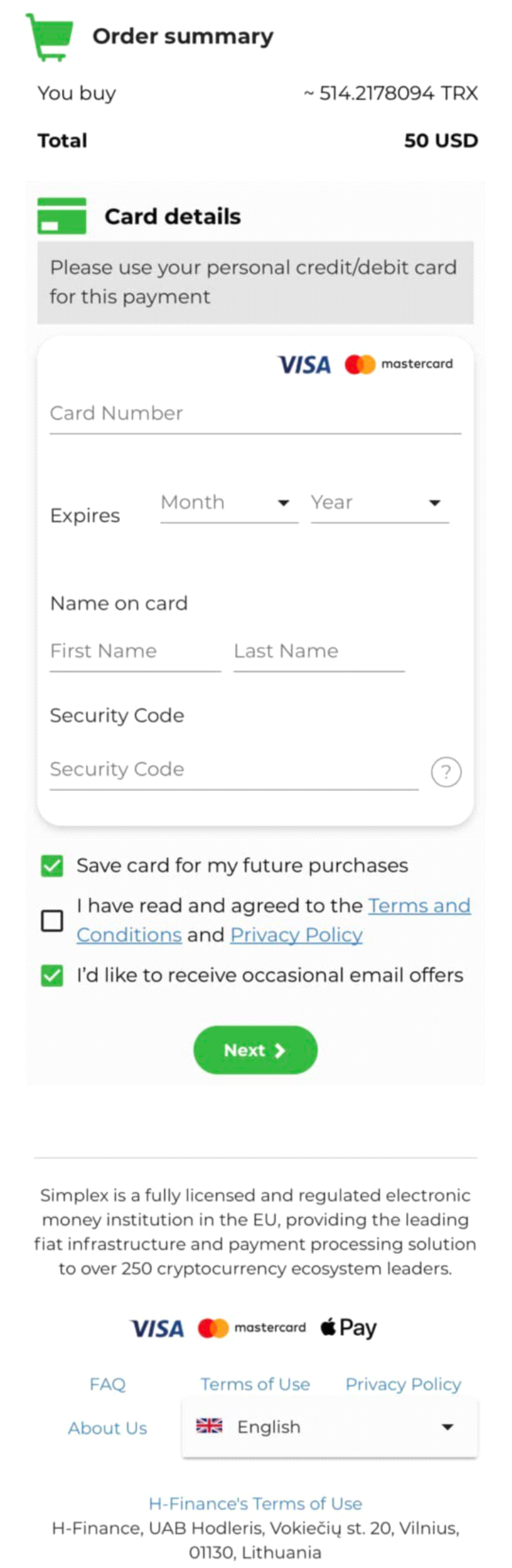

FAQ
WHAT IS LOOOOP?
WHO RUNS THE PLATFORM?
WHO CREATED LOOOOP?
WHAT IS TRON (TRX)
To register in the project using your smartphone, you need to install the TronLink application. This is your personal wallet for Tron cryptocurrency, which will store the earned funds. The wallet belongs only to you and is used for automatic registration and authorization on the site.
1) Download the application for your smartphone: TronLink
2. We carry out the basic registration procedure. The login and password of the account should be securely stored in several places (preferably printed), as well as the 12 created words - this is the access key to the wallet. In the event of a LOSS of these control words (keys), access to the wallet will be impossible to restore.
WHAT IS A SMART CONTRACT? WHAT IS ITS ADVANTAGE?
WHAT IS DECENTRALIZATION?
WHAT IS DIFFERENT FROM A PYRAMID?
WHAT DO YOU NEED TO JOIN THE CLUB?
WHICH WALLET IS BEST TO USE?
WHERE CAN I GET MORE INFORMATION ABOUT LOOOOP?